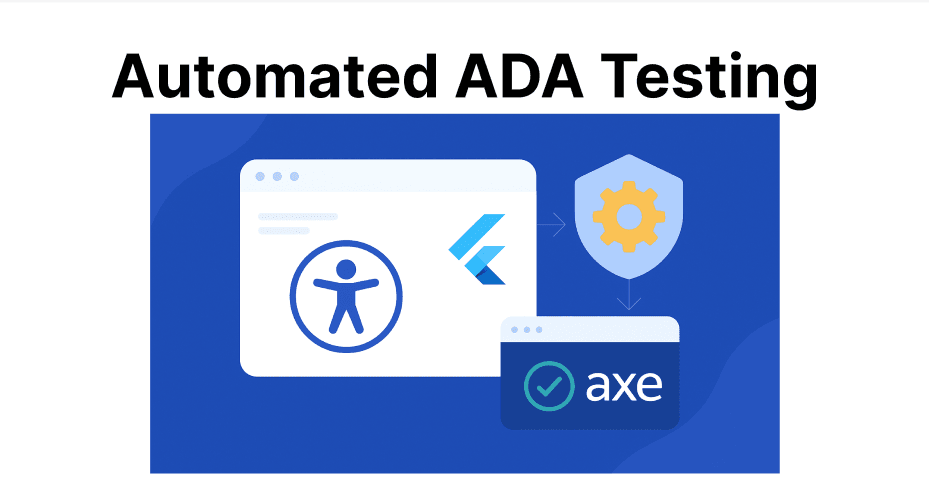
Accessibility testing helps ensure that mobile apps can be used by everyone, including people with disabilities. In Flutter, manual testing for accessibility can be slow and inconsistent, especially as apps grow in complexity. Axe is a tool that automates this process, making it easier to find and fix accessibility issues early. Integrating Axe into Flutter projects allows developers to maintain ADA compliance without slowing down development.
Prerequisites
- Installed Flutter development environment.
- An existing Flutter app codebase is ready for accessibility testing.
- Axe DevTools Mobile SDK or integration setup (Deque account required).
- Access to physical or cloud test devices for iOS and Android.
- Familiarity with writing and running Flutter widget/UI tests.
Add Axe to Your Flutter Project
- Updating pubspec.yaml with the Axe dependency.
- Running flutter pub get.
Configure Axe in Your App
- Initializing Axe in the app's entry point (e.g., main.dart).
- Setting up rules and configurations (e.g., enabling/disabling specific WCAG rules).
- Handling platform-specific setups (Android vs. iOS).
Integrate Axe with Flutter
- Practical steps for setting up Axe DevTools Mobile for Flutter projects.
- Required dependencies, installation guides, and supported platforms (iOS and Android).
Write and Run Accessibility Tests
- Implement accessibility tests using Axe in Flutter widgets and UI tests.
- Sample code structure for conducting scans, handling test output, and interpreting results.
Continuous Integration and Workflow Automation
- Methods to automate accessibility checks in CI/CD pipelines for Flutter using Axe.
- Example configuration for running Axe accessibility tests during builds and deployments.
Result Analysis and Remediation
- Guidance on reading Axe-generated reports for ADA violations and potential fixes.
- Recommendations for workflow to triage, remediate, and re-test accessibility issues automatically.