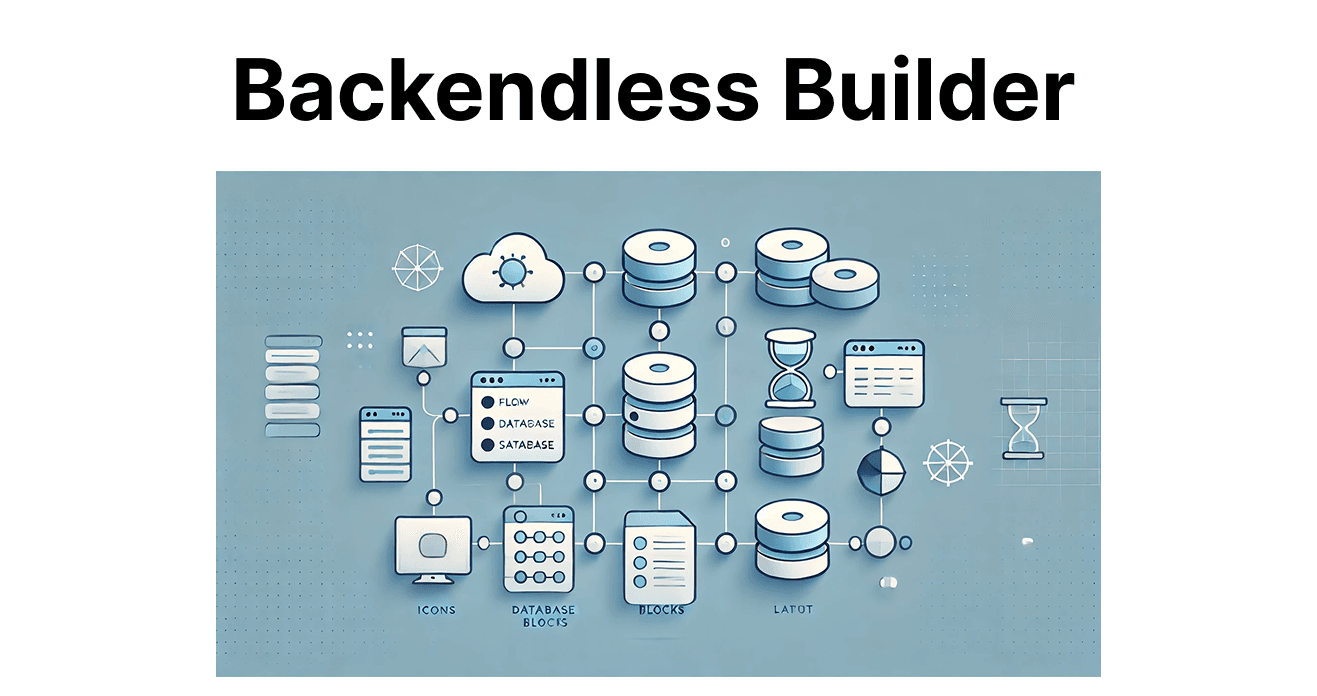
Backendless UI Builder is a no-code platform for designing and building user interfaces for mobile and web applications without extensive frontend coding. It integrates with Backendless backend services, such as data management and real-time updates. This provides a unified environment for frontend and backend development. The UI Builder supports prototyping and production-ready development to create interactive and dynamic interfaces.
Key Features of Backendless UI Builder for Video Apps
Drag-and-Drop Interface
Users can use the UI Builder’s drag-and-drop interface to design UI elements, such as buttons, video players, sliders, and lists. For video apps, you can create intuitive video players, controls, and content galleries.
Real-Time Data Integration
The UI Builder integrates with Backendless' real-time data services to update in real time. In video apps, this supports live updates for video content, stream availability, and user interactions.
Customizable UI Components
The platform offers full customization of UI components. You can adjust video player settings, modify controls, and embed media like images or text to provide context. This tailors user experience based on their actions or content types.
Pre-built Templates
Backendless UI Builder includes pre-built templates for faster application development. You can customize these templates for video apps, such as creating video galleries or live-streaming pages. They speed up development for video-on-demand or live-streaming platforms.
User Authentication Integration
The UI Builder integrates with Backendless' User Service for the registration screens and creation of login. For video apps, use it to restrict access to premium content or provide personalized content recommendations based on the user’s profile.
Responsive Design
UI Builder supports responsive design so that the app interface works well across devices and screen sizes. This is useful for video apps that need a consistent experience on smartphones, tablets, and desktops.
How Backendless UI Builder Works for Video Apps
Design Video Player and Interface
Step 1: Drag and drop a Video Player component onto the page to enable video playback.
Step 2: Customize video controls like play/pause, seek bar, and volume control for user interaction with the video content.
Step 3: Configure the video player to load video URLs based on user selections for smooth video streaming.
Integrate Video Content
Step 1: Connect the video player to Backendless' Database Service to store video metadata and other relevant details.
Step 2: Use Backendless' File Service to upload and store video files to retrieve content from cloud storage.
Set Up User Profiles and Content Access
Step 1: Use User Authentication to control access to video content. For instance, premium videos can be restricted to users with certain subscription levels or login statuses.
Step 2: Create login and registration screens for your video app, and link them with Backendless’ User Service to manage user profiles.
Push Notifications for Video Updates
Use the Push Notification feature in the UI Builder to alert users about new video uploads, live stream events, or content recommendations.
Real-Time Features for Live Video Streaming
Create a live streaming page and integrate the Real-Time Database to show live video content and updates in real-time, such as chat or viewer count. This is useful for live broadcasts or interactive video sessions.
How to Build a Video App Using Backendless UI Builder?
Set Up Your Backendless Account
Step 1: Sign up for a Backendless account and create a new project.
Step 2: From the Backendless console, enable services like User Management, File Storage, Push Notifications, and Real-Time Database.
Design the Video App UI
Step 1: Open the UI Builder and select a layout for your video app.
Step 2: Drag and drop components such as a Video Player, Buttons, Text Fields, and Image Galleries.
Step 3: Modify these components, including video controls (play, pause, and volume), to suit your app’s requirements.
Integrate Video Storage
Step 1: Upload video content to Backendless File Storage using the built-in file uploader.
Step 2: Connect the video player to the cloud storage and ensure videos are loaded based on user actions.
Enable User Authentication
Step 1: Design the login and registration screens using the UI Builder.
Step 2: Integrate with Backendless User Service to handle user authentication and create user profiles.
Test and Deploy
Step 1: Test the app across different screen sizes to check responsiveness.
Step 2: Once everything is ready, deploy the app to production and manage it from the Backendless console.
Best Practices for Video Apps Built with Backendless UI Builder
Optimize Video Loading
To improve video streaming performance, compress and optimize video files before uploading to Backendless File Storage. Compression reduces file size without compromising quality to make videos load faster. Use efficient video formats like H.264 for video and AAC for audio. Implement adaptive streaming to adjust video quality based on the user’s bandwidth and minimize buffering during playback.
Implement Access Control
User authentication is key to managing access to video content. By implementing role-based access control (RBAC), you can assign users to different roles and restrict video access accordingly. This ensures that only authorized users can view premium or restricted content. Token-based authentication can be used to access across sessions and devices.
Use Real-Time Data for Interactive Features
Integrating Backendless' Real-Time Database enables live interactions, such as live chats and voting during video streams. Real-time synchronization keeps all users updated and provides an engaging experience. This allows for interactive features where users can interact with the content and each other during live sessions, enhancing viewer engagement.
Monitor Performance
Backendless offers analytics and monitoring tools to track video views and user engagement. These tools help identify performance issues like long load times or buffering, enabling quick optimizations. By analyzing data on video performance and user interactions, you can ensure consistent playback quality and adjust content strategies based on user preferences.