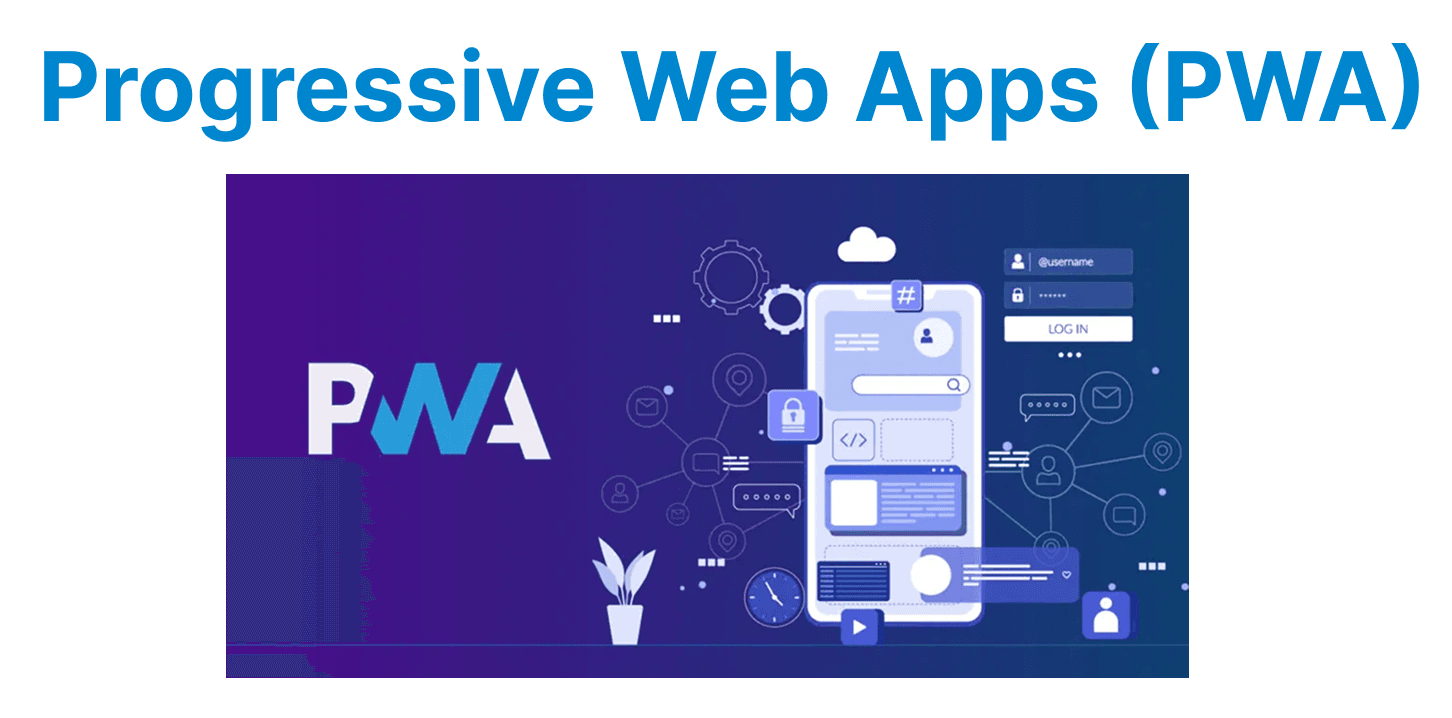
Progressive Web Apps (PWAs) are a type of application built using web technologies that function like native apps. They offer a fast, reliable, and engaging user experience by combining the best features of both web and mobile applications. In the context of video apps, PWAs enable video content delivery across devices, providing features like offline access, push notifications, and enhanced performance while minimizing the complexity of maintaining multiple native apps.
Key Features of PWAs for Video Delivery
Offline Support for Video Playback
PWAs enable offline video playback, a crucial feature for users with intermittent or no internet connection. By utilizing service workers, PWAs can cache video content and ensure seamless playback even when the user is not connected to the internet. This is particularly useful for mobile video apps, as it ensures that users can watch previously viewed content without an active connection.
Example: Caching Video Files for Offline Playback
// Service worker to cache video files
self.addEventListener('install', (event) => {
event.waitUntil(
caches.open('video-cache').then((cache) => {
return cache.addAll([
'/videos/sample-video.mp4', // Caching video file
]);
})
);
});
Explanation:
- self.addEventListener('install', (event) => { ... }): Registers a listener for the 'install' event, which is triggered when the service worker is first installed by the browser.
- event.waitUntil(...): Delays the installation process until the caching of specified assets is completed. This ensures the service worker doesn't finish installing until everything inside waitUntil resolves.
- caches.open('video-cache'): Opens (or creates) a cache storage named 'video-cache' where files can be stored locally for offline access.
- cache.addAll([ '/videos/sample-video.mp4' ]): Adds the specified video file to the cache so that it's available even when the network is unavailable.
// Fetching video from cache when offline
self.addEventListener('fetch', (event) => {
if (event.request.url.endsWith('.mp4')) {
event.respondWith(
caches.match(event.request).then((cachedResponse) => {
return cachedResponse || fetch(event.request); // Return cached video or fetch from network
})
);
}
});
Explanation:
- self.addEventListener('fetch', (event) => { ... }): Registers a listener for the 'fetch' event, which is triggered whenever a network request is made by the webpage (e.g., for a video file).
- if (event.request.url.endsWith('.mp4')) { ... }: Checks if the request is for a video file by verifying that the URL ends with .mp4.
- event.respondWith(...): Intercepts the network request and provides a custom response (either from the cache or the network).

Responsive Video Player
A PWA ensures that the video player adapts to different screen sizes and resolutions, providing a consistent experience across devices. By using responsive design techniques, such as CSS media queries and flexible layouts, PWAs can render video players optimally on mobile phones, tablets, and desktops.
Example: Responsive Video Player Using CSS
<video id="videoPlayer" controls>
<source src="https://your-video-url.com/video.mp4" type="video/mp4">
</video>

<style>
#videoPlayer {
width: 100%; /* Make video player responsive */
max-width: 640px; /* Limit maximum width */
}
</style>
Explanation:
- <video id="videoPlayer" controls>: Creates a video player element with built-in playback controls (play, pause, volume, etc.).
- <source src="https://your-video-url.com/video.mp4" type="video/mp4">: Specifies the video file to be played and its format (mp4 in this case).
- </video>: Closes the <video> element, marking the end of the video player definition.
- <style>: Starts a CSS block to apply styles to HTML elements.
- #videoPlayer {: Targets the video element with the ID videoPlayer for styling.
- width: 100%: Makes the video player responsive by allowing it to scale to fit the width of its parent container.
- max-width: 640px: Ensures that the video player does not exceed a specific size (640 pixels) on larger screens — maintaining an optimal viewing size.
- } and </style>: Closes the CSS block, completing the style definition.
Push Notifications for New Video Content
PWAs can leverage push notifications to engage users with new video content or updates. This allows users to receive notifications about new video releases, live events, or updates even when they are not actively using the app.
Example: Sending Push Notifications in PWAs
// Request permission for notifications
Notification.requestPermission().then((permission) => {
if (permission === 'granted') {
navigator.serviceWorker.ready.then((registration) => {
registration.showNotification('New Video Available', {
body: 'Click to watch the latest video!',
icon: '/icons/video-icon.png',
});
});
}
});
Explanation:
- Notification.requestPermission(): Prompts the user to grant permission for displaying browser notifications.
- .then((permission) => { ... }): Handles the result of the permission request. The permission value can be 'granted', 'denied', or 'default'.
- if (permission === 'granted') { ... }: Checks if the user allowed notifications before proceeding to display one.
- navigator.serviceWorker.ready.then((registration) => { ... }): Waits until the service worker is fully activated and ready to handle tasks like showing notifications.
- registration.showNotification('New Video Available', { ... }): Triggers a browser notification with a title and additional options.
- body: 'Click to watch the latest video!': Sets the main message of the notification, encouraging user interaction.
- icon: '/icons/video-icon.png': Specifies the icon that will appear next to the notification text.
Video Streaming Optimization
PWAs can implement Adaptive Bitrate Streaming (ABR) using protocols like HLS (HTTP Live Streaming) or DASH (Dynamic Adaptive Streaming over HTTP) to ensure smooth playback across varying network conditions. By adjusting the video quality dynamically, PWAs can prevent buffering and ensure a seamless viewing experience.Example: Implementing HLS with Video.js
<video id="videoPlayer" class="video-js vjs-default-skin" controls>
<source src="https://your-cdn-url.com/video.m3u8" type="application/x-mpegURL">
</video>

<script src="https://unpkg.com/video.js/dist/video.min.js"></script>
<script>
var player = videojs('videoPlayer');
</script>
Explanation:
- id="videoPlayer": A unique identifier for scripting.
- class="video-js vjs-default-skin": Applies Video.js styles and functionality.
- controls: Displays default video playback controls (play, pause, volume, etc.).
- type="application/x-mpegURL": tells the browser and Video.js to handle the stream as HLS.
- </video>: Begins/Closes the <video> element, completing the player structure.
- var player = videojs('videoPlayer'): Initializes a Video.js player instance targeting the element with ID videoPlayer.
Performance Enhancements for Video Apps in PWAs
Lazy Loading of Videos
To improve performance and reduce initial load time, PWAs can implement lazy loading for videos. This approach ensures that video content is only loaded when required, such as when the user scrolls to a specific section of the page.
Example: Lazy Loading Video with Intersection Observer
<video class="lazy-video" data-src="https://your-video-url.com/video.mp4" controls></video>

<script>
const videos = document.querySelectorAll('.lazy-video');

const options = {
root: null,
rootMargin: '0px',
threshold: 0.5
};

const callback = (entries, observer) => {
entries.forEach((entry) => {
if (entry.isIntersecting) {
const video = entry.target;
video.src = video.getAttribute('data-src');
observer.unobserve(video);
}
});
};

const observer = new IntersectionObserver(callback, options);
videos.forEach((video) => observer.observe(video));
</script>
Explanation:
- class="lazy-video": Marks the video for lazy loading via JavaScript.
- data-src: Stores the actual video URL without immediately loading it.
- controls: Displays default video playback controls.
- <script>: Begins/Ends a block of JavaScript to handle the lazy-loading behavior.
- const videos = document.querySelectorAll('.lazy-video'): Selects all video elements with the lazy-video class and stores them in a list for processing.
- root: null: Uses the browser viewport as the boundary.
- rootMargin: '0px': No extra margin around the viewport.
- threshold: 0.5: Video is considered visible when 50% or more is in view.
- const callback = (entries, observer) => { ... }: Defines the function that runs when visibility changes for observed videos.
- if (entry.isIntersecting) { ... }: Checks if a video element is currently visible in the viewport.
- video.src = video.getAttribute('data-src'): Sets the actual video src from the stored data-src, triggering the video to load only when it's in view.
- observer.unobserve(video): Stops observing the video after it has been loaded to improve performance.
- const observer = new IntersectionObserver(callback, options): Creates a new Intersection Observer with the defined callback and options.
- videos.forEach((video) => observer.observe(video)): Applies the observer to each.lazy-video, enabling lazy-loading behavior for all matching elements.
Service Worker Caching
To enhance performance, service workers can be used to cache video files and resources, allowing offline playback and reducing load times for subsequent visits.
Example: Caching Video Resources Using Service Workers
self.addEventListener('install', (event) => {
event.waitUntil(
caches.open('video-cache').then((cache) => {
return cache.addAll([
'/videos/video1.mp4',
'/videos/video2.mp4',
]);
})
);
});

self.addEventListener('fetch', (event) => {
if (event.request.url.endsWith('.mp4')) {
event.respondWith(
caches.match(event.request).then((cachedResponse) => {
return cachedResponse || fetch(event.request);
})
);
}
});
Explanation:
- self.addEventListener('install', (event) => { ... }): Listens for the 'install' event, which occurs when the service worker is first installed in the browser.
- event.waitUntil(...): Delays the completion of the installation process until the provided promise (caching files) resolves.
- caches.open('video-cache'): Opens (or creates if it doesn’t exist) a cache storage named 'video-cache'.
- cache.addAll([ '/videos/video1.mp4', '/videos/video2.mp4' ]): Pre-caches multiple video files so they are available offline or load faster on repeat visits.
- self.addEventListener('fetch', (event) => { ... }): Listens for the 'fetch' event, triggered whenever the page requests a resource (like a video).
- if (event.request.url.endsWith('.mp4')) { ... }: Checks if the requested file is an MP4 video before applying caching logic.
- event.respondWith(...): Overrides the default network response by providing a custom response from the cache or network.