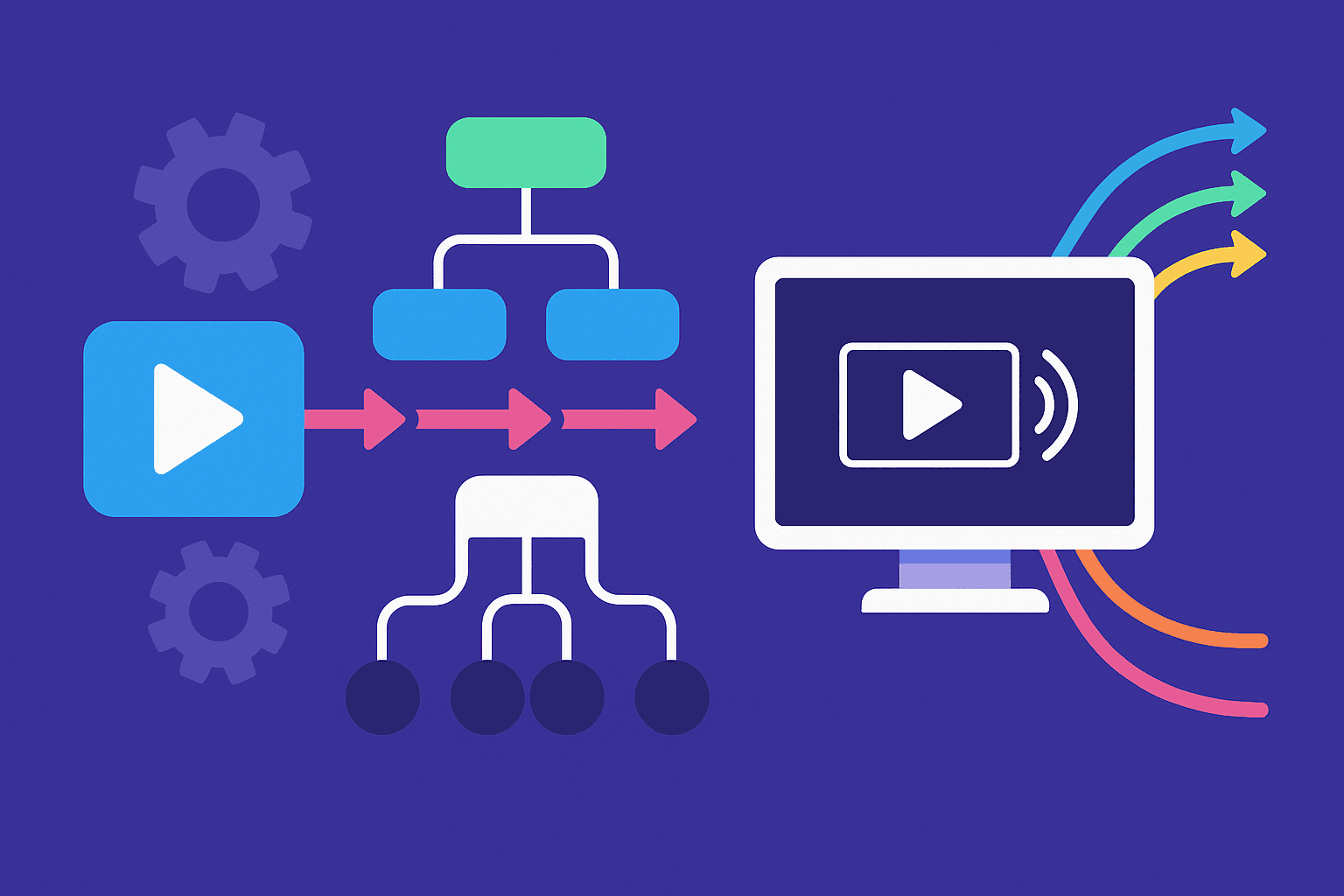
Adaptive streaming delivers multiple renditions of the same video at different bitrates and resolutions, allowing clients to switch streams dynamically based on available bandwidth. Building a transcoding pipeline for adaptive streaming involves decoding a source file, encoding multiple outputs, packaging them into HLS or DASH, and storing them in a CDN-friendly structure.
Source Ingestion
The pipeline begins with an input file. This file can be any format, but the quality of the adaptive outputs depends directly on it. Higher-quality files, often called mezzanine files, are preferred because they reduce quality loss during transcoding. At this stage, the pipeline verifies file integrity, normalizes audio channels, and ensures consistent frame rates. These checks prevent downstream encoding errors.
Multi-Bitrate Encoding
Once the input file is validated, it is transcoded into multiple renditions. Each rendition has a different resolution and bitrate to match various playback environments. For example, a single input file can produce outputs in 1080p, 720p, and 480p resolutions.
Encoding parameters such as bitrate caps, buffer sizes, and GOP structures are set according to target devices and expected bandwidth ranges. Tools like FFmpeg automate this step with filters for scaling and bitrate allocation.
ffmpeg -i master.mp4
-filter:v:0 scale=w=1920:h=1080 -b:v:0 5000k -maxrate:v:0 5350k -bufsize:v:0 10000k
-filter:v:1 scale=w=1280:h=720 -b:v:1 3000k -maxrate:v:1 3210k -bufsize:v:1 6000k
-filter:v:2 scale=w=854:h=480 -b:v:2 1500k -maxrate:v:2 1600k -bufsize:v:2 3000k
-map 0:v -map 0:a
-c:v libx264 -preset fast -c:a aac -f hls
-hls_time 6 -hls_playlist_type vod
-var_stream_map "v:0,a:0 v:1,a:0 v:2,a:0"
"output_%v.m3u8"
Packaging into HLS or DASH
After encoding, the pipeline segments each rendition into small chunks. A manifest file is also created to describe how the segments are organized. In HLS, segments are typically .ts or .fmp4 files with an .m3u8 playlist. In DASH, segments are .mp4 files with an .mpd manifest. These manifests list all available renditions so the video player can switch seamlessly during playback when network conditions change.
Storage and CDN Integration
The generated segments and manifests are placed in a structured directory layout. This structure ensures that a CDN can cache them efficiently. For example, each rendition is stored in its own folder, with manifests pointing to the correct segments.
CDNs like CloudFront or Cloudflare cache the video segments at edge nodes. Cache headers are usually configured so that video segments are stored for longer periods, while manifests remain short-lived to allow updates.
/video/master.m3u8
/video/1080p/segment1.ts
/video/720p/segment1.ts
/video/480p/segment1.ts
Monitoring and Validation
After deployment, the outputs are validated to ensure that segment lengths, GOP sizes, and timestamps are consistent. Tools such as Apple’s mediastreamvalidator for HLS or the DASH-IF Conformance Tool confirm that the packaging follows required specifications. Monitoring also includes checking CDN logs for cache hit ratios and analyzing player-side metrics such as buffering frequency and rendition switching behavior. This ensures the pipeline produces streams that meet quality and performance expectations.