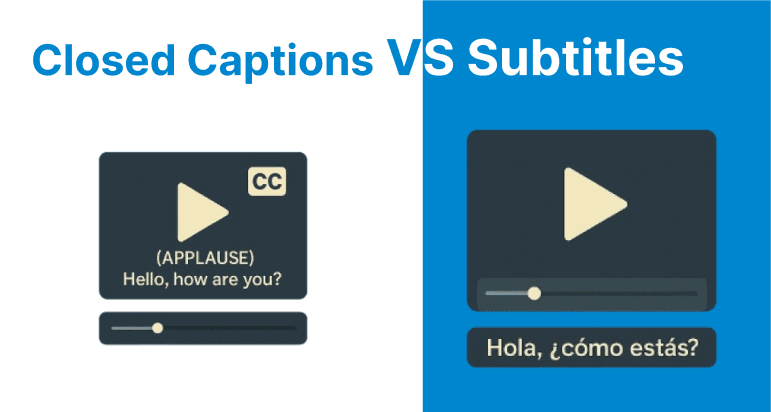
Closed captions and subtitles, while both serving the purpose of displaying text on screen, differ significantly in their technical implementations, content scope, encoding standards, timing mechanisms, accessibility compliance, and playback behavior.
Signal Source and Content Coverage
Closed Captions
Closed captions originate directly from the video content's audio signal. They encompass spoken dialogue, speaker identification, sound effects, and other non-verbal audio cues such as music or ambient noises. This comprehensive coverage ensures that viewers who are deaf or hard of hearing receive the full audio context necessary for understanding the content beyond just dialogue.
Subtitles
Subtitles are typically derived from a transcript or translation of the spoken dialogue only. They do not include sound effects or speaker identification, as they assume the viewer can hear the audio but requires language assistance or clarity. Subtitles serve primarily for language translation or comprehension in noisy environments.
Encoding and Format Standards
Closed Captions
Closed captions are embedded within the video stream or carried as sidecar tracks. CEA-608 (Line 21 captions) and CEA-708 are the primary standards. CEA-608 encodes captions in the vertical blanking interval and supports limited formatting. CEA-708 supports Unicode, multiple caption channels, and customizable appearance. These captions are embedded in MPEG-2 or H.264 streams.
Subtitles
Subtitles are stored as separate text files or tracks, not embedded in the stream. Formats like SRT, WebVTT, and ASS are commonly used. These are text-based, editable, and widely supported across players and containers like MP4, MKV, and WebM.
Timing Behavior and Sync Logic
Closed Captions
Closed captions are synchronized with video frames using character- or line-based buffering. CEA-608/708 data is transmitted alongside video frames. Accurate muxing and decoding maintain timing integrity.
Subtitles
Subtitles use timestamp pairs for display timing, mapped to playback time rather than frames. Timing may drift if muxing or playback timing is inconsistent. Text-based subtitle files allow for easy correction and alignment.
Playback and Device Behavior
Closed Captions
Rendered by hardware decoders (e.g., TVs, set-top boxes) or software via APIs. CEA-608 captions are usually styled with white text on black, while CEA-708 allows user-defined customization. Embedded nature ensures device-wide support.
Subtitles
Subtitles are rendered by browsers or media players, and the user toggles them on or off. Web players use WebVTT controlled by HTML5. Subtitles may be soft (toggleable) or hard (burned into video). Rendering depends
Technical Workflow and Multilingual Considerations
Real-Time Encoding for Closed Captions
Closed captions are encoded using standards-compliant tools capable of inserting CEA-608/708 data. In live broadcasts, captions are generated in real time via stenographers or ASR systems. Low-latency infrastructure is critical to avoid desync.
Subtitle File Preparation and Platform Ingestion
Subtitles are authored with timecodes and uploaded separately from the video. Formats like SRT or VTT are ingested by platforms for rendering during playback. This modular approach allows versioning and localization without re-encoding.
Synchronization and Muxing Requirements
Closed caption data is frame-tied and must match video frame timing exactly to prevent misalignment or data loss. Subtitle timing is more flexible, using start-end timecodes, making it easier to adjust and correct in post.
Multilingual Support Constraints
Subtitles support flexible multilingual workflows using separate tracks for each language. This simplifies localization and maintenance. Closed captions may include multiple language channels but are constrained by standards, device support, and format limitations.
Caption and Subtitle Handling with FFmpeg
Embedding Closed Captions (CEA-608/708)
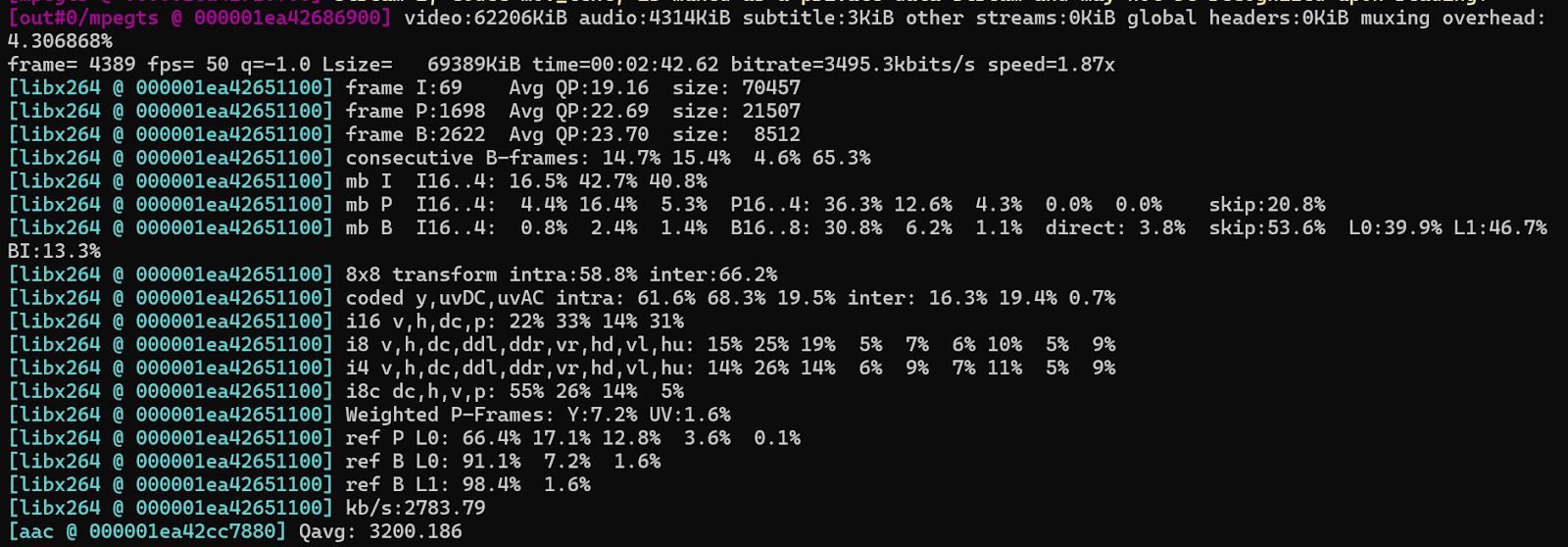
To embed closed captions into a broadcast-compatible transport stream using an SCC file:
ffmpeg -i input.mp4 -f lavfi -i "anullsrc=r=48000:cl=stereo" \ -c:v libx264 -c:a aac -b:a 192k \ -caption_file captions.scc -f mpegts output.tsThis command inserts CEA-608 captions (.scc) into the video and outputs an MPEG-TS stream suitable for broadcast or compliant streaming platforms.
Hardcoding Subtitles into Video
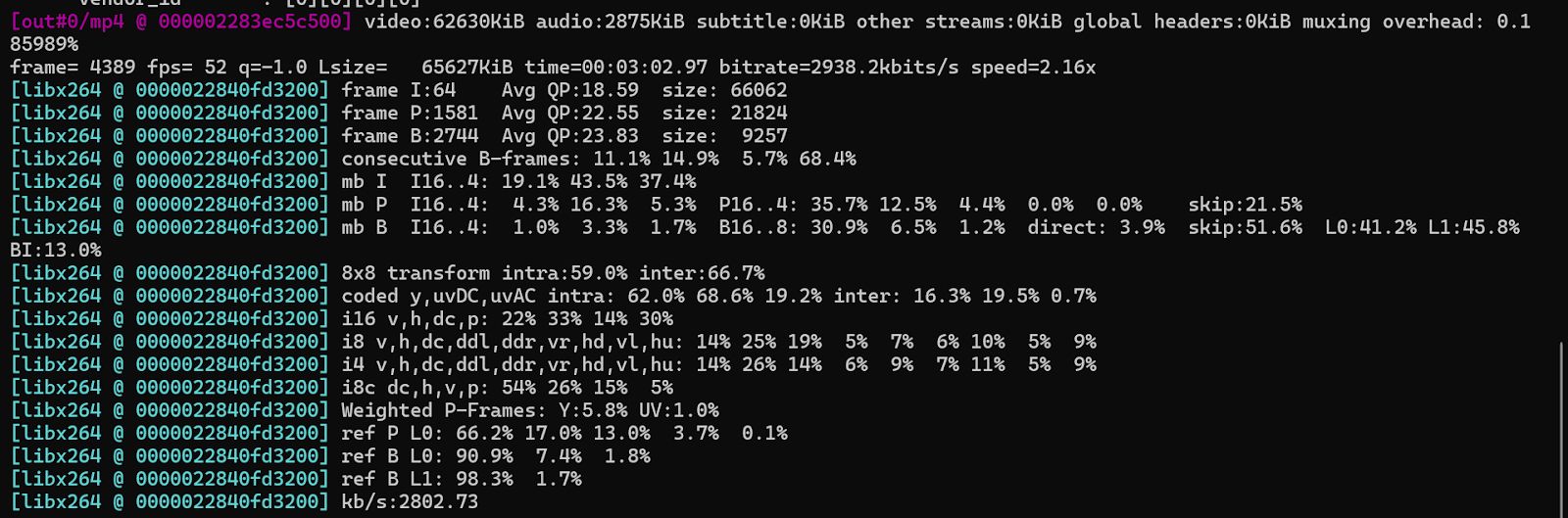
To burn subtitles permanently into the video frames (non-toggleable):
ffmpeg -i input.mp4 -vf subtitles=subtitles.srt -c:a copy output.mp4This is used when player support for external subtitle files is limited or subtitle visibility must be guaranteed.
Muxing External Subtitle Tracks (Soft Subs)
To attach a subtitle file (e.g., .vtt) as a separate, toggleable track in an MP4 or MKV:
ffmpeg -i input.mp4 -i subs.vtt -c copy -c:s mov_text output.mkvThis preserves the subtitle track as soft subtitles. The viewer can enable or disable them during playback.
