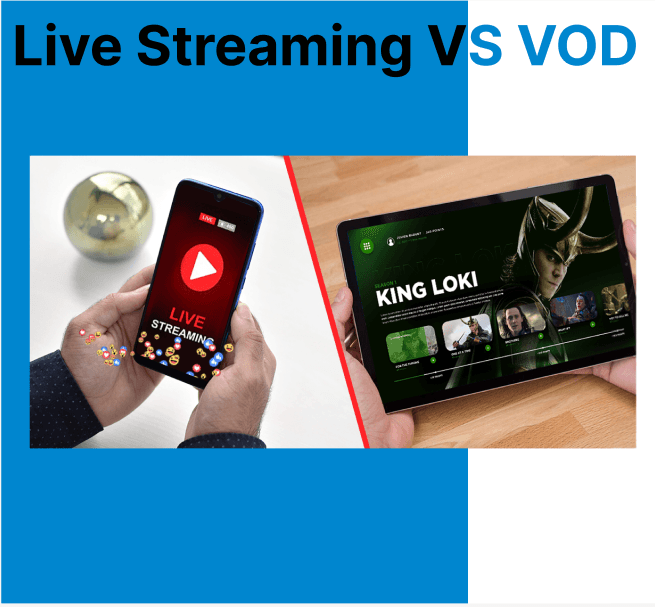
Video on Demand (VOD) and Live Streaming represent two fundamentally different delivery mechanisms in video infrastructure. VOD delivers pre-encoded, stored video files that users can access and control independently. Playback is asynchronous, enabling functions like pause, rewind, and seek. Live streaming distributes real-time captured content over the network as it's produced. Playback is synchronous, optimized for low latency, and typically excludes playback control.
Delivery Pipeline and Workflow
VOD Workflow
- Ingestion: Videos are uploaded to a platform, transcoded into multiple formats, and stored for future retrieval.
- Storage & Transcoding: Video files are stored in distributed cloud storage, with transcoding done to ensure compatibility across devices.
- Content Delivery Network (CDN): CDNs cache videos closer to the user’s location, reducing latency and enhancing video delivery speeds.
- Playback: Videos are streamed to users based on their device type and network conditions, providing an optimized viewing experience.
- User Authentication & Authorization: Access control is implemented to ensure users can only view content they are authorized to view.
- Analytics: Data about user interactions, views, and preferences is collected for recommendation engines and business insights.
Example FFmpeg Transcoding Command
Show how a video is ingested and transcoded for multi-device playback:
ffmpeg -i input.mp4 \ -vf "scale=-2:1080" -c:v libx264 -b:v 5000k -preset fast -c:a aac -b:a 192k output_1080p.mp4 \ -vf "scale=-2:720" -c:v libx264 -b:v 3000k -preset fast -c:a aac -b:a 128k output_720p.mp4 \ -vf "scale=-2:480" -c:v libx264 -b:v 1200k -preset fast -c:a aac -b:a 96k output_480p.mp4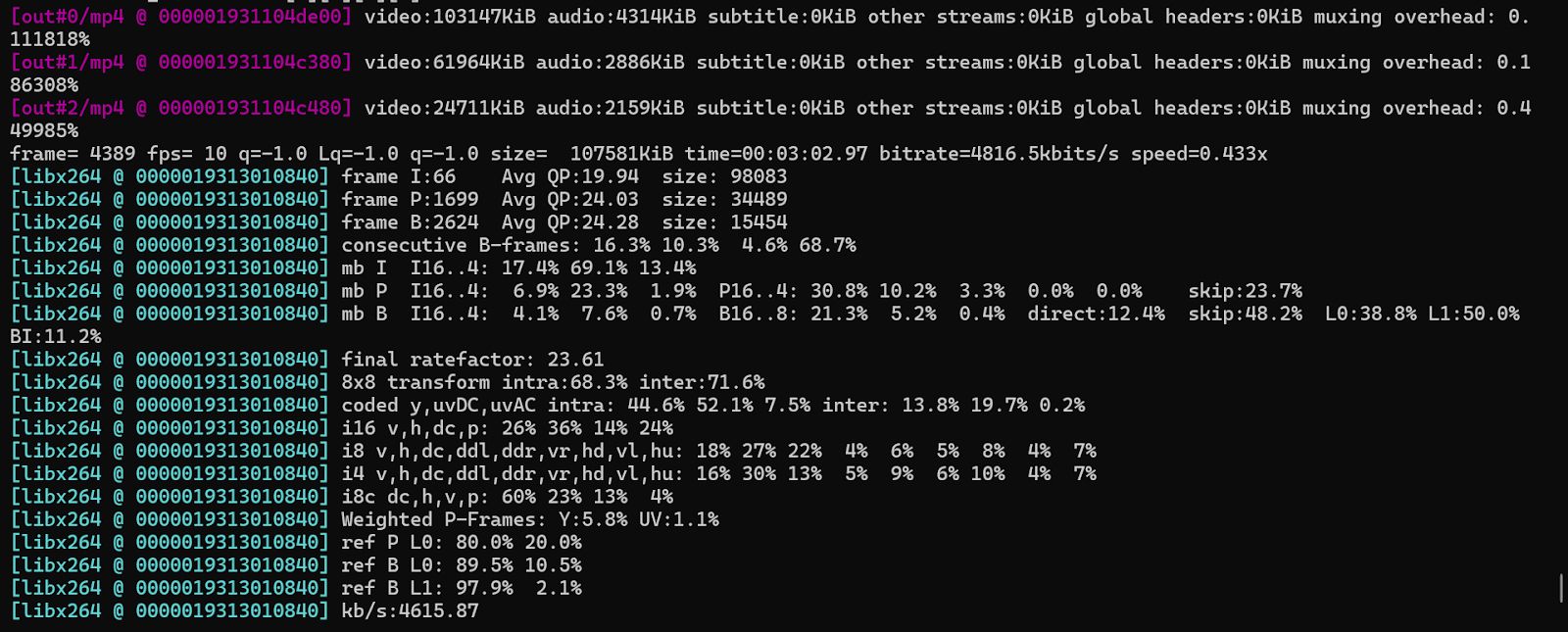
This command prepares multiple renditions for adaptive bitrate streaming.
Live Streaming Workflow
- Encoding: Live video is captured and encoded into a digital format suitable for streaming. Tools such as FFmpeg, OBS Studio, or Wirecast are used to convert the video signal into streamable formats.
- Streaming: The live feed is sent over the internet using protocols like RTMP (Real-Time Messaging Protocol) or HLS (HTTP Live Streaming). These protocols are designed to minimize latency.
- Content Delivery: CDNs ensure the video reaches viewers with minimal buffering and latency by distributing the stream across multiple global nodes.
- Playback: Viewers access live streams through web players or apps, typically with limited control (no rewind or fast-forward).
- Interaction: Live streaming enables real-time user interaction, such as live chat, voting, or Q&A.
- Security: Live streams are often encrypted using RTMPS or AES encryption to prevent unauthorized access or piracy.
Example Live Encoding and Ingest
Show how to push a live stream to a media server using RTMP:
ffmpeg -f v4l2 -i /dev/video0 -f alsa -i default \ -c:v libx264 -preset veryfast -b:v 2500k -c:a aac -b:a 128k \ -f flv rtmp://your-server/live/stream_keyThis command encodes and sends a live video feed to a streaming server.
Playback Architecture
VOD Playback
Users have full playback control. Files are streamed using segment-based delivery protocols (e.g., HLS, DASH), allowing adaptive playback. Media players request segments based on buffer state and estimated bandwidth. Players also utilize manifest files (.m3u8, .mpd) to switch between resolution and bitrate representations.
Live Streaming Playback
Playback occurs at the live edge, with no seek or rewind options. Streaming behavior depends on decode and presentation timestamps. Playback buffering is minimized, often keeping only 2–6 seconds of video ahead of the current playback position to reduce latency.
GOP Structure and Keyframe Strategy
VOD GOP Design
VOD encoding leverages long GOP structures (e.g., 90–240 frames) to improve compression efficiency. Since content is pre-encoded, encoders can insert keyframes at scene changes and control GOP size precisely. Long GOPs reduce file size but increase seek latency. Scene-change detection and adaptive keyframe placement are critical for maintaining visual fidelity without over-encoding.
ffmpeg -i input.mp4 -c:v libx264 -g 90 -keyint_min 90 -sc_threshold 0 -b:v 4000k output_vod.mp4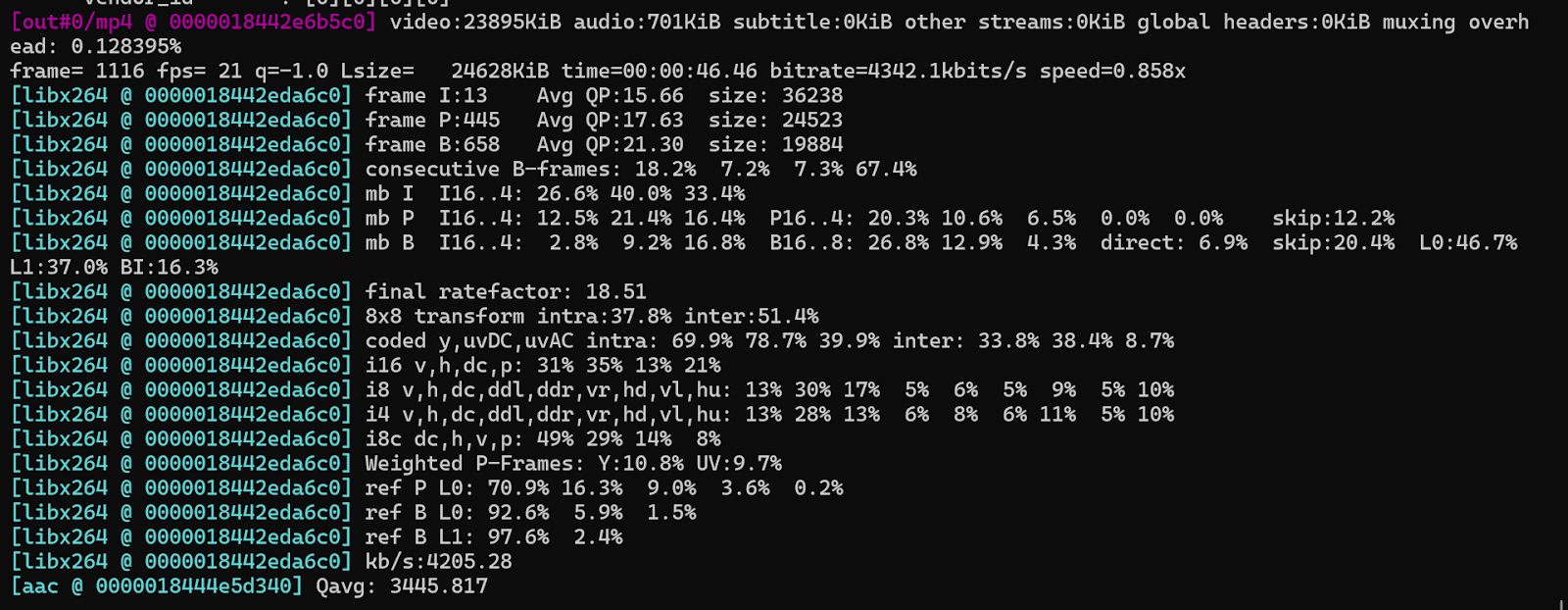
Live GOP Design
Live streaming uses shorter GOPs (e.g., 1–2 seconds) to reduce latency and improve stream recoverability. Many platforms require keyframe alignment for HLS/DASH segment switching. Typically, place a keyframe every 2 seconds. Fixed-interval GOPs help minimize decoding delay and enable faster stream recovery during packet loss.
ffmpeg -re -i input.mp4 -c:v libx264 -g 60 -keyint_min 60 -sc_threshold 0 -b:v 2500k -f flv rtmp://your-server/live/keyed_streamEncoding Characteristics and Timing Behavior
VOD Encoding
VOD uses pre-processing to encode files using advanced compression algorithms and quality settings. Encoding latency is not a constraint, which allows the use of high-efficiency multi-pass techniques for better video quality and bitrate control.
Keyframe placement, motion estimation refinement, and rate control algorithms can be optimized without concern for real-time constraints. VOD encoders typically support multi-threaded parallelism and batch encoding.
Live Streaming Encoding
Live content is encoded in real time using low-latency presets. There is a trade-off between compression efficiency and responsiveness to ensure timely delivery.
Streamers often use single-pass encoding with constrained GOP lengths to minimize end-to-end latency. Scene change detection and encoder lookahead must be limited to maintain responsiveness.
Comparison of VOD vs Live Streaming
| Feature | VOD | Live Streaming |
| Playback | Full control (pause, seek) | Live edge only, no rewind |
| Encoding | Pre-encoded (multi-pass, high quality) | Real-time (low-latency, single-pass) |
| GOP Structure | Long GOPs (scene-aware) | Short GOPs (1–2 sec, fixed interval) |
| Latency | Not time-sensitive | Low latency critical |
| Protocols | HLS, DASH | RTMP, HLS (Low-Latency) |
| CDN Usage | Caches full files | Distributes live segments |
| Interaction | None | Real-time chat, Q&A |
| Use Case | Movies, tutorials | Events, sports, webinars |
What’s Next?
Need to deliver both VOD and live content from a single backend? Use Cincopa’s API to unify ingestion, adaptive encoding, and stream routing for both delivery types. Whether optimizing live broadcast latency or scaling on-demand playback, integrated APIs ensure efficiency across formats and workflows.