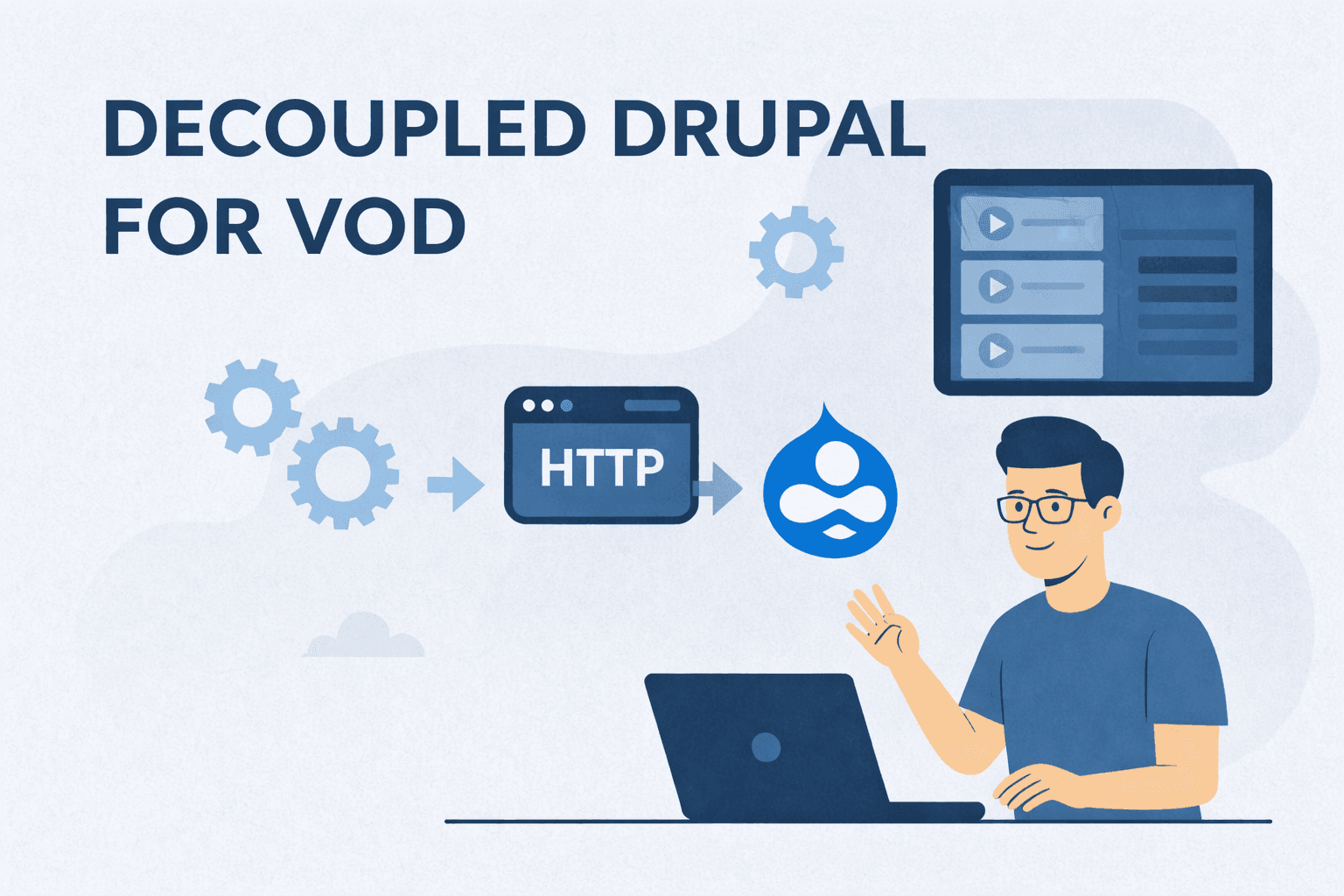
Decoupled Drupal serves as a content repository for enterprise video-on-demand (VOD) systems, managing large media libraries, metadata, and access controls while frontends handle playback across platforms. This architecture uses Drupal's JSON:API or GraphQL to expose video data, enabling independent scaling of content storage and delivery layers for adaptive streaming like HLS/DASH. Enterprises benefit from stable pipelines that support frequent updates, multi-device consistency, and integrations without frontend rebuilds.
Without decoupling, coupled systems tie rendering to content changes, slowing VOD workflows under heavy loads. Decoupled setups automate asset syncing via webhooks, cache manifests at CDNs, and prevent issues like API overfetching through query optimisation, keeping libraries searchable and performant.
Prerequisites
To ensure smooth integration and optimal performance, certain system components and modules need to be in place. These prerequisites form the foundation for handling video assets, exposing data, and managing secure interactions between Drupal and external services.
- Drupal 10+ installation with the core Media module for video entities.
- JSON:API (enabled via /admin/config/services/jsonapi) or GraphQL contrib module for data exposure.
- External transcoding service (e.g., FFmpeg via Bunny.net or AWS Elemental MediaConvert) integrated for HLS/DASH playlists.
- Authentication via OAuth/JWT (e.g., Simple OAuth module) for secure API access.
- CDN (e.g., Cloudflare) is configured for video caching.
- Webhook support (e.g., Webhooks contrib module) for publish notifications.
Step-By-Step Process
The process outlines the necessary actions to manage, query, and deliver video content efficiently within a decoupled Drupal architecture. Each step streamlines video workflows, ensuring content is properly indexed, accessible, and ready for playback across multiple platforms.
Storing Videos in Drupal
Step 1: Log in as an editor with Media permissions.
Step 2: Create a new Media (Video) entity; upload raw file to managed storage.
Step 3: Add metadata, duration (auto-populated via FFprobe), and custom fields like geo-restrictions (Field module).
Step 4: Apply tags/categories using Taxonomy.
Step 5: Save; Drupal indexes for JSON:API queries.
GraphQL Query Example (using graphql module):
query GetVideo($id: ID!) {
nodeById(id: $id) {
... on VideoMedia {
title
fieldDuration
fieldGeoRestrictions
}
}
}
Pulling Videos to Frontends
Step 1: Frontend sends authenticated request to /jsonapi/media/video/{id} or GraphQL endpoint.
Step 2: Drupal validates permissions via Role/ACL.
Step 3: Returns JSON with HLS URL, thumbnails, metadata (use ?fields to avoid overfetching).
Step 4: Fetch captions/subtitles via separate endpoints.
Step 5: Render player (e.g., Video.js) using data; cache responses client-side.
Note: Avoid overfetching pitfalls by specifying fields: /jsonapi/media/video?fields[media--video]=title,fieldHlsUrl.
Handling Upload Workflows
Step 1: Producer uploads raw video via Drupal admin.
Step 2: Drupal triggers webhook to external service for transcoding (FFmpeg: ffmpeg -i input.mp4 -vf scale=... -f hls playlist.m3u8).
Step 3: Generate thumbnails (ImageMagick or core Image Styles).
Step 4: Set Workflow state to "Draft" (Workflows module).
Step 5: Reviewers approve metadata/quality.
Step 6: Publish updates state, invalidates CDN cache via Purge module, sends webhook: {"event":"published","videoId":"123","hlsUrl":"https://cdn/playlist.m3u8"}.
Step 7: Log revisions for rollback.
Webhook Payload Example:
{
"event": "video_published",
"id": "uuid-here",
"hlsManifest": "https://cdn.example.com/videos/123/playlist.m3u8"
}
Preview Before Launch
Step 1: Editor selects draft video.
Step 2: Generate token via Preview API (core in Drupal 10+).
Step 3: Load iframe: <iframe src="/preview/{token}">.
Step 4: Simulates frontend render across devices.
Step 5: Queue concurrent edits (Queue API) to prevent conflicts.
Step 6: Invalidate preview cache on changes.
Scaling for Heavy Loads
Step 1: Cache API responses/CDN manifests (e.g., Cloudflare for HLS .m3u8).
Step 2: Rate limit JSON:API (Throttle module or Varnish).
Step 3: Batch imports via Feeds/Migrate modules with validation.
Step 4: Frontends poll for deltas: ?filter[changed][gt]={timestamp}.
Step 5: Monitor with New Relic; auto-scale Drupal Pods via Kubernetes.
Step 6: Handle cache invalidation: Tag API responses, purge on publish.