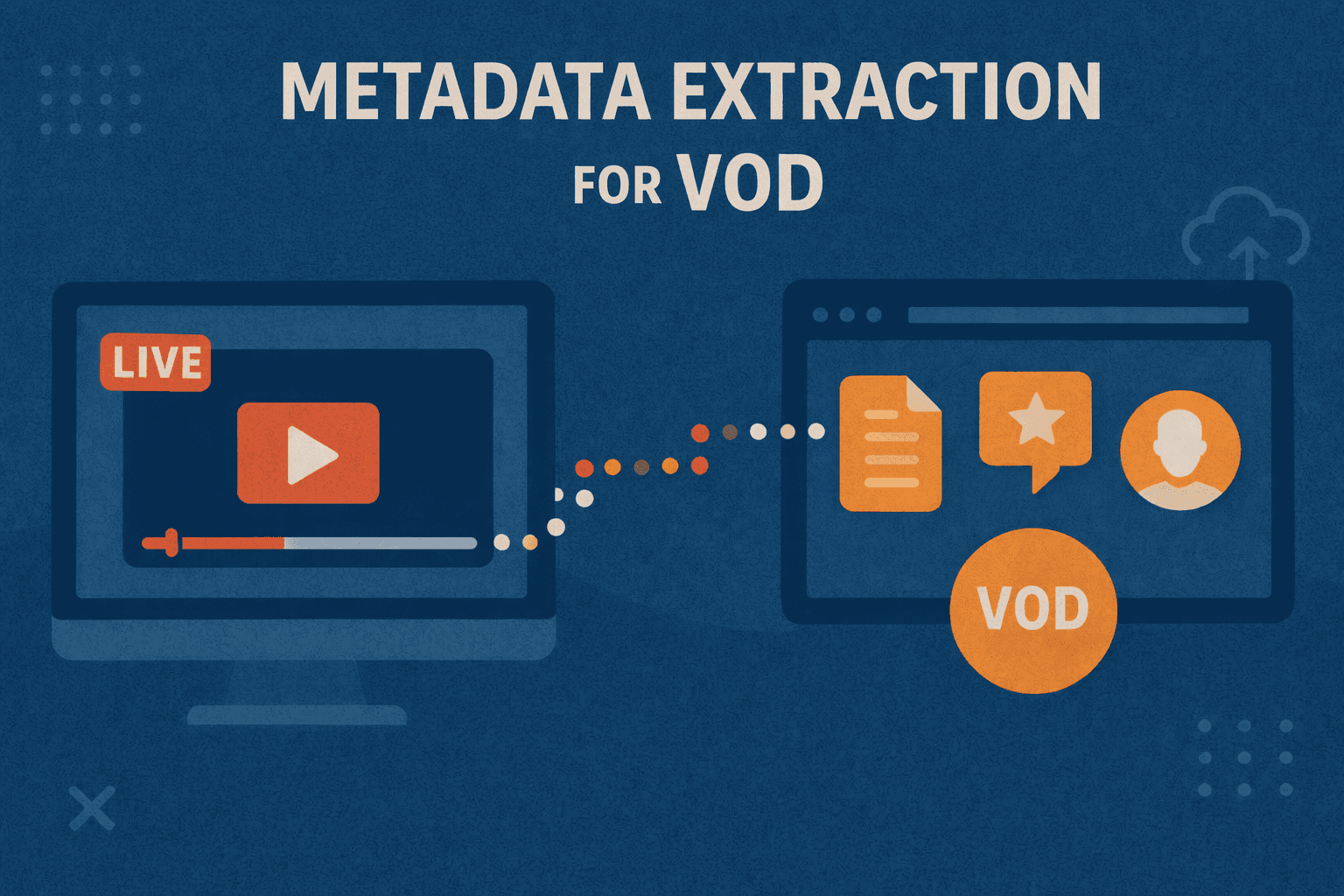
Metadata extraction from live streams helps capture details that often disappear once a broadcast ends. It gathers information like timestamps, speaker segments, on-screen elements, and event markers while the stream is still running. This becomes essential when the same stream later needs to be turned into organized video-on-demand assets.
Without having the timely extraction, key moments become harder to find, harder to index, and harder to reuse. By collecting this data in real time, teams can create cleaner archives, improve navigation, and keep large video libraries manageable.
Prerequisites
- Access to a live video stream, such as from a camera, broadcasting tool, or online source.
- A computer or server with sufficient processing power and memory to handle real-time analysis.
- A software for video handling, including open-source tools for tasks like frame analysis.
- Familiarity with simple programming or ready-made scripts; user-friendly interfaces can serve as a starting point.
- A setup for data storage, such as a database, to save and organize the extracted metadata for VOD use.
Step-by-Step Process for Extraction
Capture the Live Stream
Step 1: Identify your live stream source—this could be a camera, broadcasting software, or an online streaming URL.
Step 2: Choose your ingest method: connect the camera via HDMI/SDI to a capture device or get the stream URL for network streaming (e.g., RTMP, HLS).
Step 3: Set up a computer or server with appropriate hardware to receive the stream continuously.
Step 4: Use a tool like FFmpeg or a media server (e.g., Nginx with RTMP module) to ingest the stream. For example, with FFmpeg:
ffmpeg -i rtmp://live-source-url -c copy -f flv output.flvStep 5: Monitor the connection and logs to ensure the stream is arriving intact with no frame drops or interruptions.

Split the Stream into Frames
Step 1: Open the incoming video stream using a video processing library such as OpenCV or FFmpeg in your code or command line.
Step 2: Set the frame extraction rate. For example, extract 30 frames per second or adjust based on your stream’s frame rate.
Step 3: Extract each frame and save it as an image file (e.g., JPEG/PNG) temporarily or hold it in memory for faster processing.
Example FFmpeg Command to Extract Frames:
ffmpeg -i input.flv -r 30 frames/frame_%04d.pngStep 4: Pass each extracted frame immediately to your analysis pipeline without buffering too many frames to maintain real-time processing.
Step 5: Manage memory by deleting temporary images once processed to avoid storage overload.
Analyze Each Frame
Step 1: Load each frame into your computer vision tool (OpenCV or TensorFlow model).
Step 2: Apply detection algorithms based on your goal (object detection, color analysis, motion tracking).
Step 3: Compare current frame details with previous frames to detect changes or movements.
Step 4: Flag events (e.g., “player enters frame”) with the exact timestamp extracted from the video stream’s timeline.
Step 5: Record all detected events and metadata ready for bundling in the next step.
Separate and Analyze Audio
Step 1: Extract the audio track from the live stream using FFmpeg or audio extraction libraries.
Example FFmpeg Command:
ffmpeg -i input.flv -vn -acodec copy output_audio.aacStep 2: Feed the audio into a speech-to-text API or open-source transcription engine (Google Speech-to-Text, Kaldi).
Step 3: In parallel, run audio classification to detect sounds like crowd noise, whistles, etc.
Step 4: If there’s on-screen text, run OCR tools like Tesseract on the corresponding video frames.
Step 5: Timestamp all detected words, sounds, and text to synchronize with the video.
Bundle Data as Metadata
Step 1: Gather all detection results, timestamps, and transcriptions from video and audio analyses.
Step 2: Structure this data logically into metadata objects, such as JSON entries with fields for event type, time, and description.
Example Entry in JSON:
{
"timestamp": "00:15:00",
"event": "goal",
"details": {
"player": "Player X",
"position": {"x": 120, "y": 300}
}
}
Step 3: Validate the metadata structure to ensure consistency and completeness.
Step 4: Prepare metadata for storage by serializing it into a file or database-ready format.
Save the Metadata
Step 1: Choose your storage system: a NoSQL database like MongoDB or cloud storage with access APIs.
Step 2: Implement a real-time or near-real-time writer process that updates metadata storage as new data arrives.
Step 3: Keep the metadata indexed and searchable by timestamps and event types for fast retrieval.
Step 4: Back up metadata regularly to avoid loss during long broadcasts or system failures.
Step 5: Provide integration points so VOD platforms can consume metadata seamlessly for navigation and indexing features.
Common Challenges in Live Extraction
Speed Issues
Live streams generate a continuous flow of data, and real-time systems must process every frame and audio segment almost instantly. When the processing pipeline becomes overloaded (due to heavy analysis tasks, limited hardware resources, or inefficient code), the system begins to fall behind. Once it lags, it may skip frames or audio segments, causing important events to be lost and leaving gaps in the metadata.
Video Noise
Live video often comes with unpredictable visual disturbances such as low lighting, motion blur, compression artifacts, or camera shake. These distortions interfere with algorithms that depend on clear visual cues to detect objects, text, or movements. When the image quality varies from frame to frame, automated tools may misclassify elements or fail to detect them altogether.
Audio Problems
Audio streams carry layered information, but background noise, overlapping voices, echo, or inconsistent microphone levels can hide important speech patterns. Speech-to-text systems rely on clean audio signals to identify words accurately, and if the audio is cluttered or unclear, they struggle to distinguish speakers, detect keywords, or generate precise transcriptions.
Privacy Concerns
Live extraction can unintentionally pull in sensitive details such as faces, license plates, or personal identifiers. Since the extraction happens automatically and in real time, there’s a risk that private information could be stored or used without proper controls. This requires careful management so that metadata creation doesn’t compromise ethical standards or legal compliance.
Addressing the Challenges
Handling Speed Issues
Improving processing speed involves designing the system so that multiple operations can occur at the same time instead of sequentially. Parallel processing distributes frame analysis, audio handling, and metadata compilation across multiple cores or machines, allowing the system to keep pace with the incoming stream. Efficient algorithms and hardware acceleration reduce unnecessary computation, ensuring that no moment is lost during the broadcast.
Managing Video Noise
To counter noisy visuals, video-processing tools apply stabilization, denoising, and sharpening filters that refine frames before analysis. By referencing adjacent frames, systems can infer consistent patterns even in low-quality conditions, allowing object detection and text recognition to remain accurate. These corrective steps help maintain reliable metadata, even when the raw footage fluctuates in clarity.
Fixing Audio Problems
Noise-reduction techniques isolate the main speech frequencies from background clutter, making it easier for transcription models to interpret spoken words. Training the system on a wide variety of accents, pitches, and real-world sound environments strengthens its ability to handle unpredictable audio. As a result, the metadata better reflects what was actually said, even in challenging acoustic conditions.
Addressing Privacy Concerns
Responsible extraction workflows apply protective measures such as face blurring, partial redaction, or classification that avoid identifying individuals. Systems can be configured to store only generalized labels (like “person enters frame”) instead of personal attributes. Automated checks remove sensitive data after processing, and continuous improvement of these safeguards keeps the extraction process transparent, ethical, and trustworthy.