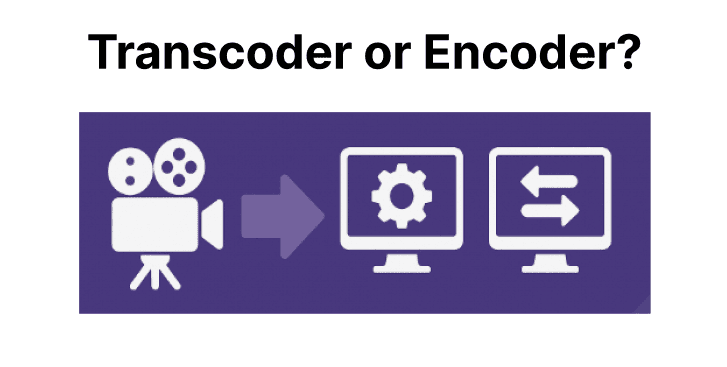
An encoder takes raw media from a camera or file and compresses it into a playable format (such as H.264 or HEVC) to create the first version of the video ready for storage or delivery. On the other hand, a transcoder works on already-encoded media to generate alternate renditions by adjusting bitrate, resolution, codec, or container.
In practice, the encoder builds the first master output, and the transcoder adapts that master for the many ways video needs to be delivered. For large-scale delivery across varying devices, network speeds, and distribution platforms, transcoding is the step that ensures flexibility and compatibility.
Adaptive Streaming
If you serve an encoded stream directly, all viewers receive the same bitrate and resolution. On fast connections, this is fine. But slower networks cause playback stalls.
A transcoder solves this by creating multiple renditions from the encoded master (e.g., 1080p at 6 Mbps, 720p at 3 Mbps, 480p at 1 Mbps). These renditions are then packaged into adaptive streaming formats such as HLS or DASH.
As a result, this allows the player to switch automatically depending on bandwidth. Without this step, adaptive streaming cannot work reliably.
Device & Platform Compatibility
A camera feed encoded once into H.264/MP4 may play on some browsers, but not all devices handle the same codecs or containers. For example, iOS may prefer HLS, smart TVs may require DASH-CMAF, and newer platforms may demand HEVC or AV1.
Instead of re-encoding from the raw source for every platform, a more efficient workflow is to encode once into a high-quality mezzanine file. From there, a transcoder generates compatible variations as needed, ensuring one master can serve many ecosystems.
Content Distribution
Different CDNs and global distribution platforms impose unique format requirements. A single encoded file often won’t satisfy all technical specifications. A transcoder lets you generate standardized outputs for each destination (MPEG-DASH for TVs, HLS for browsers and iOS, low-latency CMAF for live streams), ensuring smooth handoffs and preventing rejection of unsupported formats.
Live Streaming
In live workflows, the encoder creates the initial base stream, often in RTMP or SRT. This base stream is not enough for delivery because audiences have diverse bandwidth and device conditions. A live transcoder sits downstream from the encoder to create adaptive bitrate layers in real time and deliver them as HLS/DASH packages.
For example, a single 1080p RTMP feed can be transcoded into 720p, 480p, and 360p variants for bandwidth-constrained viewers, ensuring scalability of live events.
Audio Channel Changes
Audio profiles set at capture (such as stereo AAC) may not meet all playback needs later. Downmixing surround audio for mobile, generating language-specific tracks, or adding accessibility options requires a transcoder. Rather than re-encoding from raw, transcoding allows direct processing of the master file’s audio streams into the required variations.
Workflow Optimization
Running the encoder multiple times from raw inputs is expensive and slow. A better strategy is to encode once into a high-quality mezzanine file and then use transcoders for downstream renditions.
This approach avoids repeated compression from source, reduces costs, simplifies pipelines, and ensures flexibility when new delivery targets arise. Note that if the mezzanine file is too highly compressed, quality may degrade across multiple generations of transcoding – so the first encode should preserve high quality for future use.
Improving Bandwidth Efficiency
Sending a high-bitrate stream to every user wastes bandwidth and increases CDN costs. Many users cannot sustain the highest-quality streams. A transcoder allows multiple bitrate ladders, so viewers receive only what their connection supports. This directly reduces buffering issues and conserves delivery costs. In addition to this, it also provides a consistent user experience on various network conditions.