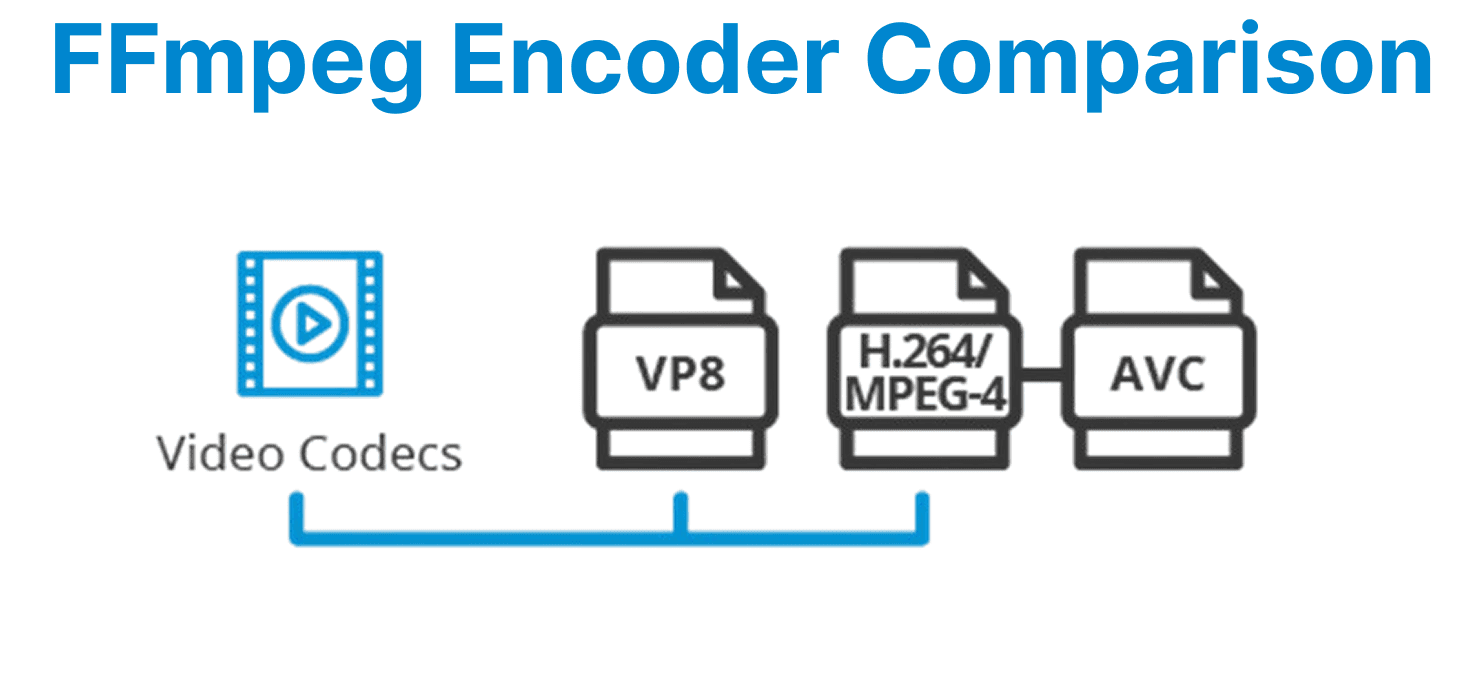
FFmpeg offers a variety of encoders for video compression, each suited to different requirements such as file size, quality, and encoding speed. These encoders include popular choices like libx264, libx265, libvpx (VP8, VP9), and others like mpeg4. Each encoder has its strengths and trade-offs based on the use case, such as compatibility with devices, streaming efficiency, or output file size.
libx264 – H.264 Encoder
libx264 is the FFmpeg encoder for generating H.264 video. It strikes a good balance between video quality, compression efficiency, and compatibility across a wide range of devices.
Key Features:
- Compression: Offers good compression, suitable for most consumer-grade applications.
- Speed: Efficient, with adjustable presets that allow users to balance speed and compression.
- Device Compatibility: Supported by most devices, including streaming platforms and media players.
To encode a video using libx264, run:
ffmpeg -i input.mp4 -c:v libx264 output.mp4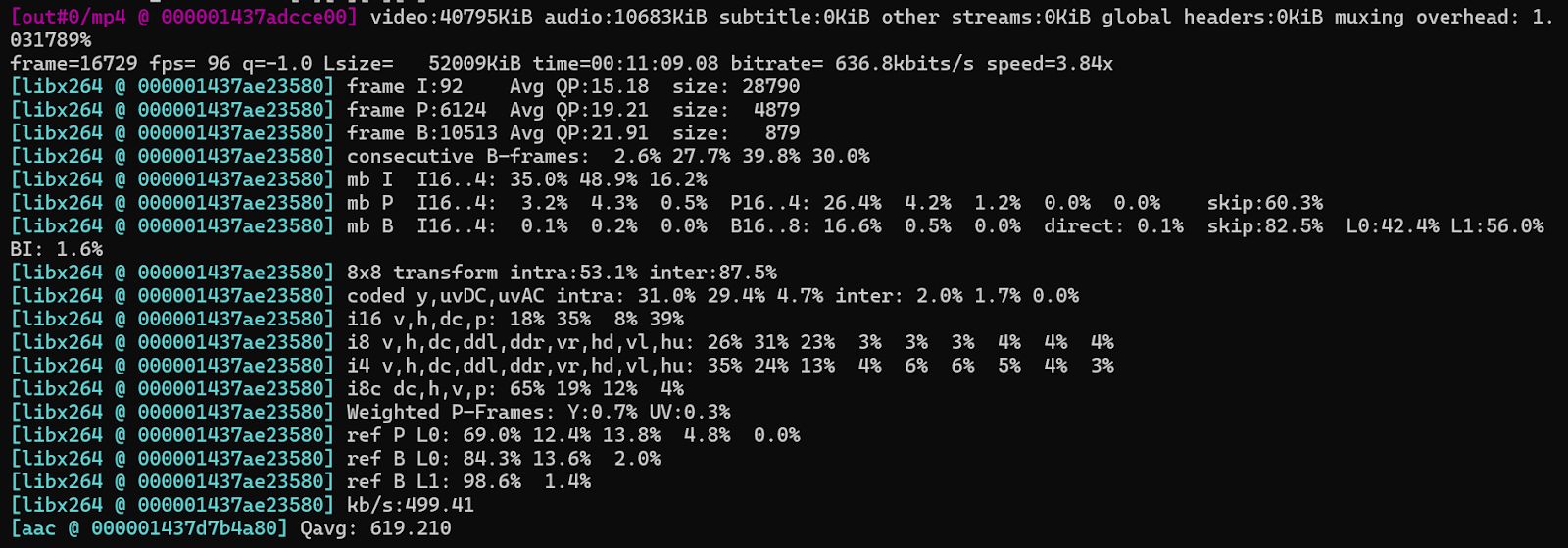
CRF-Based Encoding:
libx264 uses the Constant Rate Factor (CRF) for controlling the video quality in variable bitrate (VBR) encoding. A lower CRF value (such as 18 or 19) means better quality, while a higher CRF (such as 28) reduces the file size but lowers quality.
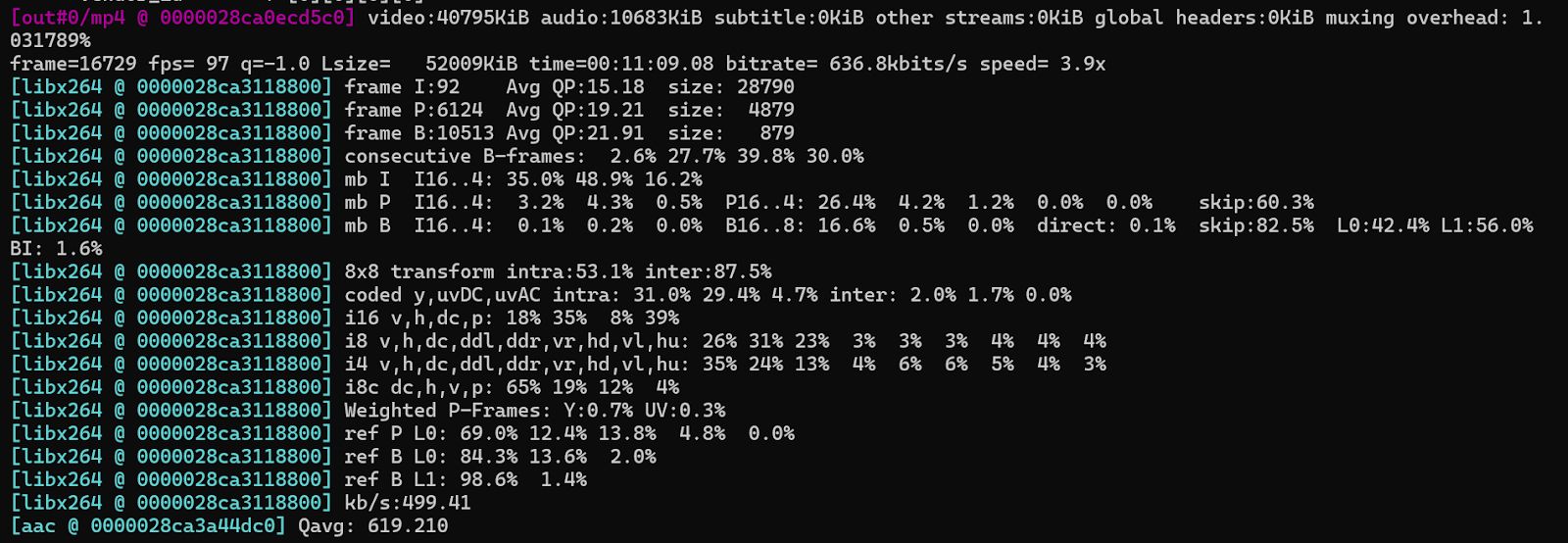
To use CRF encoding with a specific preset:
ffmpeg -i input.mp4 -c:v libx264 -crf 23 -preset medium output.mp4Lower CRF values mean higher quality; presets (ultrafast, fast, slow, etc.) affect the speed vs. compression trade-off.
libx265 – H.265/HEVC Encoder
libx265 is used to encode H.265/HEVC (High-Efficiency Video Coding) videos. It provides superior compression efficiency compared to H.264, making it ideal for applications where reducing file size without compromising quality is important.
Key Features:
- Compression: Up to 50% more efficient than H.264 at the same quality level, reducing storage and bandwidth requirements.
- Speed: Slower encoding speed compared to libx264 due to higher computational demands.
- Device Compatibility: Increasing support across modern devices, especially for 4K video streaming.
ffmpeg -i input.mp4 -c:v libx265 -crf 28 output.mp4
Use -tag:v hvc1 for better compatibility with macOS and Safari:
ffmpeg -i input.mp4 -c:v libx265 -tag:v hvc1 output.mp4
HEVC requires more CPU but results in smaller files at equivalent quality compared to H.264.
libvpx-vp9 – VP9 Encoder
VP9 is an open-source codec developed by Google and used primarily in streaming services like YouTube. It provides compression similar to H.265 but without licensing costs.
Key Features:
- Compression: High compression efficiency, similar to H.265.
- Speed: Encoding with VP9 is slower than H.264, but more efficient in terms of file size at the same quality.
- Device Compatibility: Increasingly supported on modern devices, especially for YouTube and browsers that support WebM.
ffmpeg -i input.mp4 -c:v libvpx-vp9 -crf 30 -b:v 0 output.webmSetting -b:v 0 enables CRF-based encoding. VP9 encoding is slower than H.264 and H.265 but useful for YouTube/WebM delivery.

libvpx – VP8 Encoder
libvpx is used for encoding VP8 video, primarily for WebM containers and older web browser compatibility.
Key Features:
- Compression: Less efficient than H.264 and H.265, offering lower compression efficiency.
- Speed: Faster encoding than H.265 but slower than H.264.
- Device Compatibility: Works well with browsers that support WebM but lacks widespread device support compared to H.264 and H.265.
ffmpeg -i input.mp4 -c:v libvpx -b:v 1M -cpu-used 4 output.webmVP8 is less efficient than H.264 but still relevant for older systems or custom WebRTC applications.

Other FFmpeg Encoders
mpeg4 – MPEG-4 Part 2 Encoder
MPEG-4 is an older video compression standard that remains in use primarily for legacy systems and media players.
Key Features:
- Compression: Provides low compression efficiency compared to newer codecs like H.264 and H.265.
- Speed: Fast encoding, making it useful for low-complexity applications.
- Device Compatibility: Widely supported by older devices, media players, and obsolete systems
ffmpeg -i input.mp4 -c:v mpeg4 -qscale:v 2 output.aviProduces larger files and lower compression efficiency, but works with obsolete media players.

Comparison Table For FFmpeg Encoders
| Encoder | Format | Compression | Encoding Speed | CRF Range |
| libx264 | H.264 | Good | Fast | 18-28 |
| libx265 | H.265 | Very High | Slow | 23-28 |
| libvpx-vp9 | VP9 | High Very | Slow | 28-35 |
| libvpx | VP8 | Low | Moderate | - |
| mpeg4 | MPEG-4 Pt2 | Poor | Fast | - |