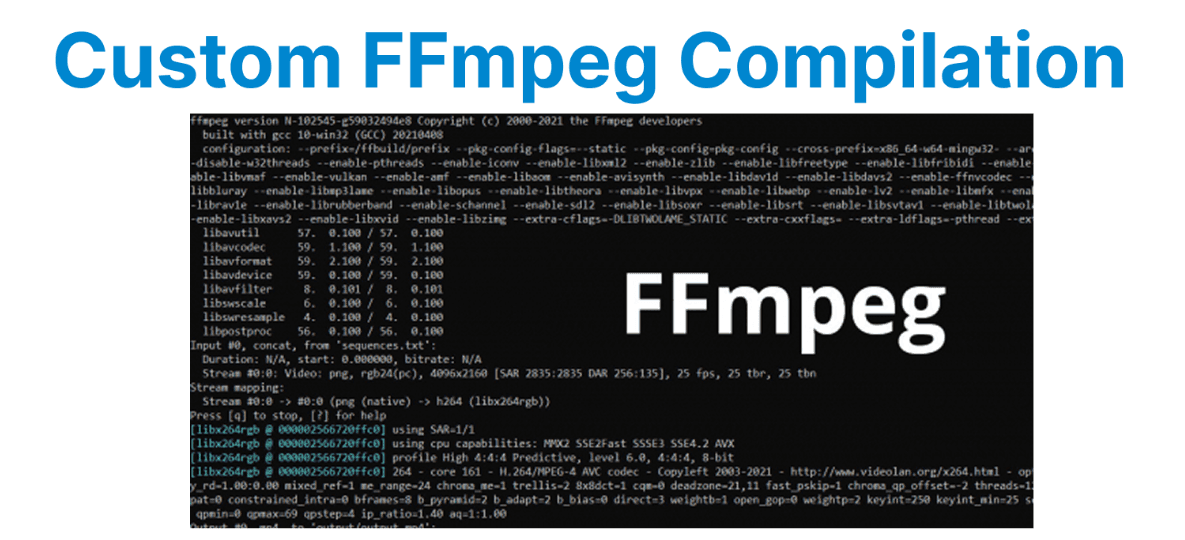
FFmpeg is an open-source multimedia framework that supports a wide range of audio and video codecs. However, the default FFmpeg compilation may not support all the required codecs or features. In such cases, you may need to compile FFmpeg from source and enable additional codecs and libraries.
Prerequisites for Custom Compilation
Before proceeding with the custom FFmpeg compilation, ensure the following:
1. System Requirements:
- A Unix-like OS (Linux or macOS) is typically recommended for compiling FFmpeg, although it is possible to compile on Windows using WSL (Windows Subsystem for Linux).
- Root or sudo privileges to install dependencies and libraries.
2. Dependencies: Depending on which codecs you want to enable, you'll need various libraries, such as:
- libx264 for H.264 encoding.
- libx265 for H.265/HEVC encoding.
- libvpx for VP8/VP9 encoding.
- libfdk-aac for AAC encoding.
- libmp3lame for MP3 encoding.
- libopus for Opus audio encoding.
git clone https://git.ffmpeg.org/ffmpeg.git ffmpeg
cd ffmpeg
Install Dependencies
Before you can compile FFmpeg with custom codecs, you need to install the necessary dependencies. The following commands will install the most common libraries on Ubuntu-based systems:
sudo apt update
sudo apt install build-essential yasm pkg-config
sudo apt install libx264-dev libx265-dev libvpx-dev libfdk-aac-dev libmp3lame-dev libopus-dev
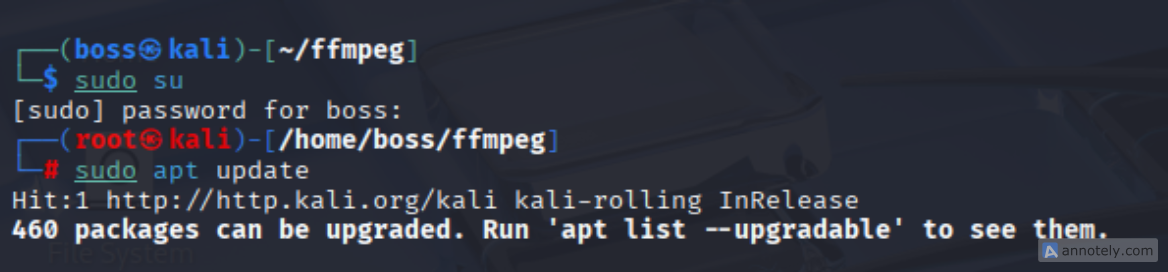


This will install the required libraries, development headers, and utilities for FFmpeg compilation. If you need additional libraries, make sure to install them similarly.
Configure FFmpeg for Custom Compilation
Once you have the necessary dependencies installed, you can configure FFmpeg to include the required codecs. This is done using the ./configure script that comes with FFmpeg’s source code. For instance, to enable H.264, H.265, MP3, AAC, and other codecs, use the following command:
./configure
--enable-gpl
--enable-libx264
--enable-libx265
--enable-libvpx
--enable-libfdk-aac
--enable-libmp3lame
--enable-libopus
--enable-nonfree
Explanation:
- --enable-gpl: Enables GPL-licensed codecs like libx264.
- --enable-libx264: Enables the H.264 codec.
- --enable-libx265: Enables the H.265/HEVC codec.
- --enable-libvpx: Enables VP8/VP9 codec.
- --enable-libfdk-aac: Enables AAC codec.
- --enable-libmp3lame: Enables MP3 codec.
- --enable-libopus: Enables Opus codec.
- --enable-nonfree: Includes non-free libraries (e.g., libfdk-aac).
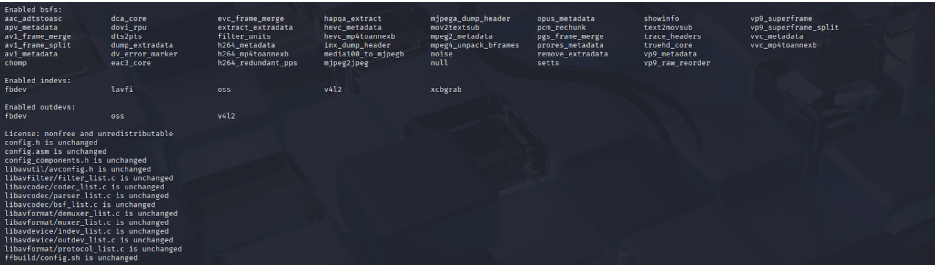
This command configures FFmpeg with support for several popular video and audio codecs.
Compile FFmpeg
After configuring the build options, you can proceed with compiling FFmpeg. The compilation process may take some time, depending on your system’s resources.
Example: Run the Following Commands to Build FFmpeg
make -j$(nproc) # Compiles FFmpeg using all available cores
sudo make install
Explanation:
- make -j$(nproc): This command builds FFmpeg and uses all available CPU cores (nproc returns the number of processing units).
- sudo make install: This installs FFmpeg on your system.
Verify FFmpeg Compilation
Once the installation is complete, verify that the custom codecs are enabled by running:
ffmpeg -codecs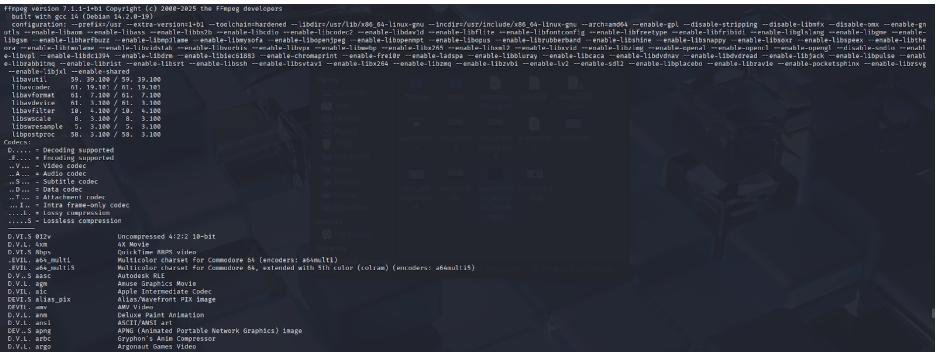
This command will display a list of all available codecs in your FFmpeg build. Look for the codecs you enabled, such as libx264, libx265, libvpx, libfdk-aac, etc.
Using the Custom FFmpeg Build
Now that you have a custom FFmpeg build with the desired codecs, you can start using them for video and audio processing tasks. Below are some examples of how to use the new codecs:
Example: Encode Video with H.264 (libx264)
ffmpeg -i input.mp4 -c:v libx264 -c:a aac output.mp4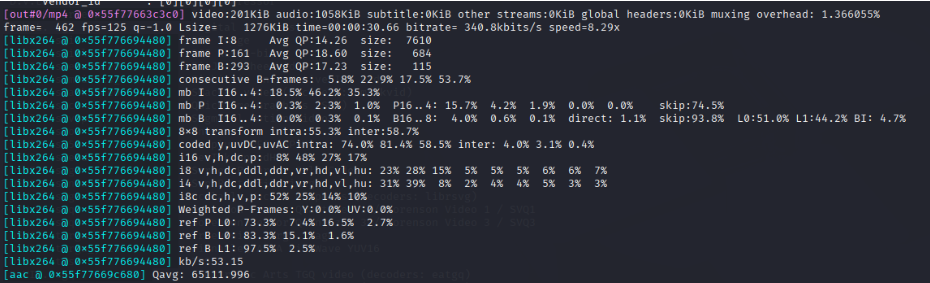
Example: Encode Video with H.265 (libx265)
ffmpeg -i input.mp4 -c:v libx265 -c:a aac output_h265.mp4
Example: Encode Video with VP9 (libvpx-vp9)
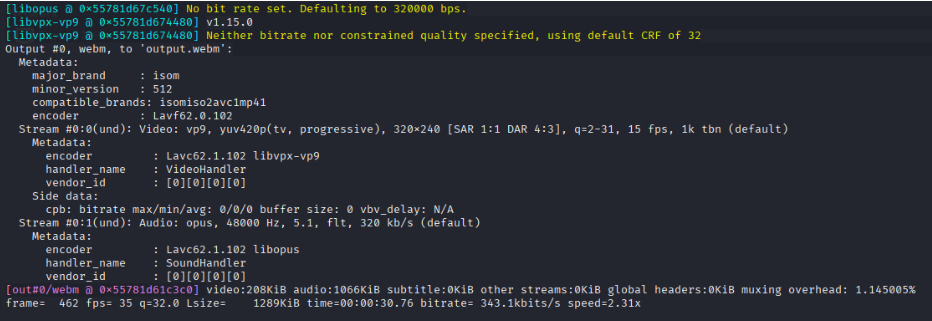
ffmpeg -i input.mp4 -c:v libvpx-vp9 -c:a libopus output.webm