Web video formats have evolved to support better compression, quality, and streaming efficiency. FFmpeg, a powerful multimedia framework, allows encoding videos in formats like WebM, VP9, and AV1. These formats are increasingly popular for web-based video streaming due to their efficiency and open-source nature.
Prerequisites
- FFmpeg Installed: Ensure FFmpeg is installed on your system. You can verify by running:
ffmpeg -version
- Video File: You need a video file for conversion (e.g., input.mp4).
- Required Libraries: FFmpeg requires the relevant libraries to encode into WebM, VP9, or AV1. If the codecs are missing, you may need to compile FFmpeg with support for those codecs or use precompiled versions that include them.

WebM Encoding
WebM is an open-source video format developed by Google and designed specifically for the web. It provides good compression and high quality, supporting the VP8 or VP9 codecs.
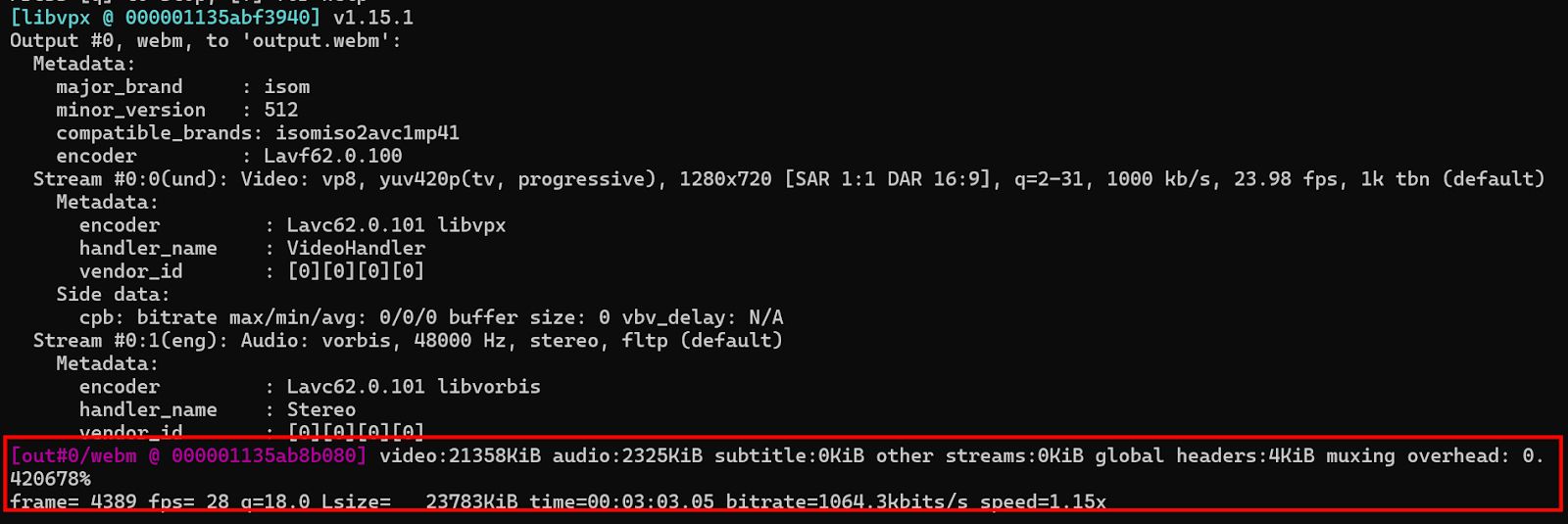
To encode a video into WebM with the VP8 codec, use the following command:
ffmpeg -i input.mp4 -c:v libvpx -c:a libvorbis -b:v 1M output.webm- -i input.mp4: Specifies the input video file.
- -c:v libvpx: Selects the VP8 video codec.
- -c:a libvorbis: Selects the Vorbis audio codec (typically used with WebM).
- -b:v 1M: Sets the video bitrate to 1 Mbps.
VP9 Encoding for Better Compression
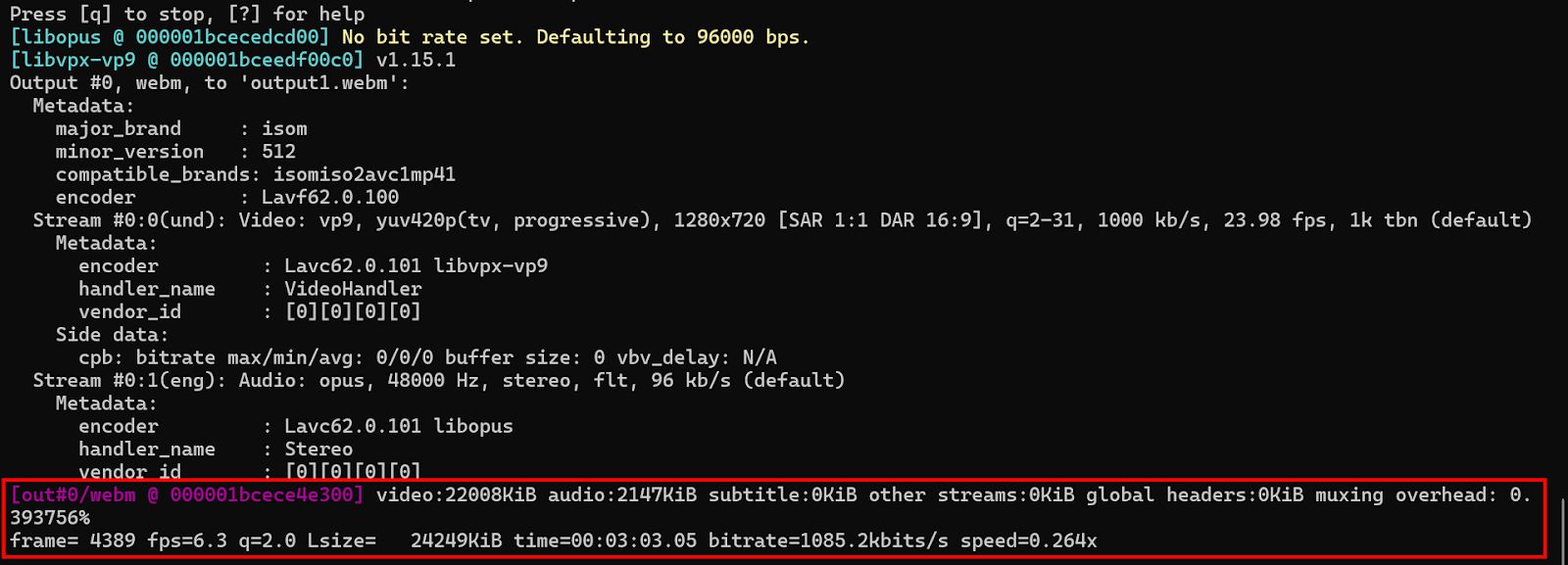
VP9 offers better compression and quality than VP8, making it a suitable choice for higher-quality streaming, particularly on platforms like YouTube.
ffmpeg -i input.mp4 -c:v libvpx-vp9 -c:a libopus -b:v 1M output.webm- -c:v libvpx-vp9: Uses the VP9 codec for video encoding.
- -c:a libopus: Uses the Opus codec for audio encoding.
- -b:v 1M: Sets the bitrate to 1 Mbps.
VP9 encoding tends to be slower than VP8, so it may not be suitable for real-time streaming without proper hardware support.
AV1 Encoding
AV1 is a modern video codec that provides superior compression compared to both VP9 and H.264, and is becoming increasingly adopted for web video delivery. It’s supported by all major browsers and video platforms, making it ideal for future-proof web video encoding.
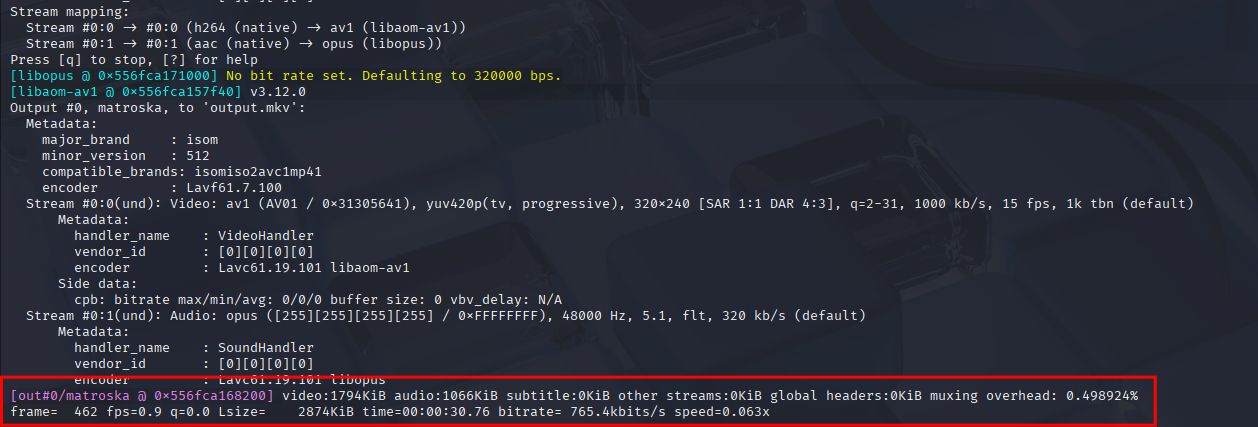
To encode a video using the AV1 codec with FFmpeg:
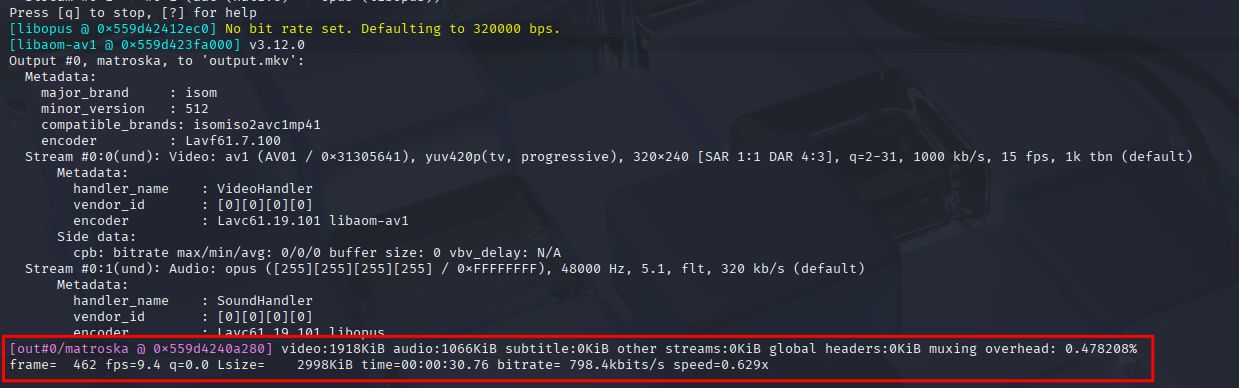
ffmpeg -i input.mp4 -c:v libaom-av1 -c:a libopus -b:v 1M output.mkv- -c:v libaom-av1: Uses the AV1 codec for video encoding.
- -c:a libopus: Uses the Opus codec for audio encoding.
- -b:v 1M: Sets the target video bitrate to 1 Mbps.
- output.mkv: Specifies the output file in the MKV container.
Using a Faster Preset for AV1
AV1 encoding can be slow due to its high compression efficiency. Using a faster preset helps balance encoding time and compression.
ffmpeg -i input.mp4 -c:v libaom-av1 -c:a libopus -b:v 1M -cpu-used 4 output.mkv- -cpu-used 4: A faster preset to reduce encoding time. The range is from 0 (slowest but best quality) to 8 (fastest).
Comparison Table
| Format | Container | Video Codec | Audio Codec | Encoding Speed | Use Case |
| WebM (VP8) | .webm | libvpx | libvorbis | Fast | Basic web video, fast encoding |
| WebM (VP9) | .webm | libvpx-vp9 | libopus | Moderate | YouTube, better quality/compression |
| AV1 | .mkv | libaom-av1 | libopus | Slow | Future-proof, best compression |
What’s Next?
Want to optimize your web video encoding? With Cincopa, you can easily convert and stream videos in WebM, VP9, or AV1 formats for better compression and quality. Cincopa provides seamless tools to ensure your videos are encoded efficiently for fast streaming and high-quality playback across web platforms.