FFmpeg is widely used for tasks related to audio processing, including encoding, filtering, and normalization. It supports a wide range of audio formats and provides essential functions to convert between formats, apply filters to improve audio quality, and normalize volume levels for consistency. These features are crucial for handling various audio tasks in multimedia workflows.
Audio Encoding with FFmpeg
Audio encoding is the process of converting audio from one format to another, with the option to compress it to reduce file size while maintaining acceptable quality. FFmpeg supports a wide range of audio codecs, allowing conversion between different formats like MP3, AAC, WAV, and more.
To Convert an Audio File to MP3
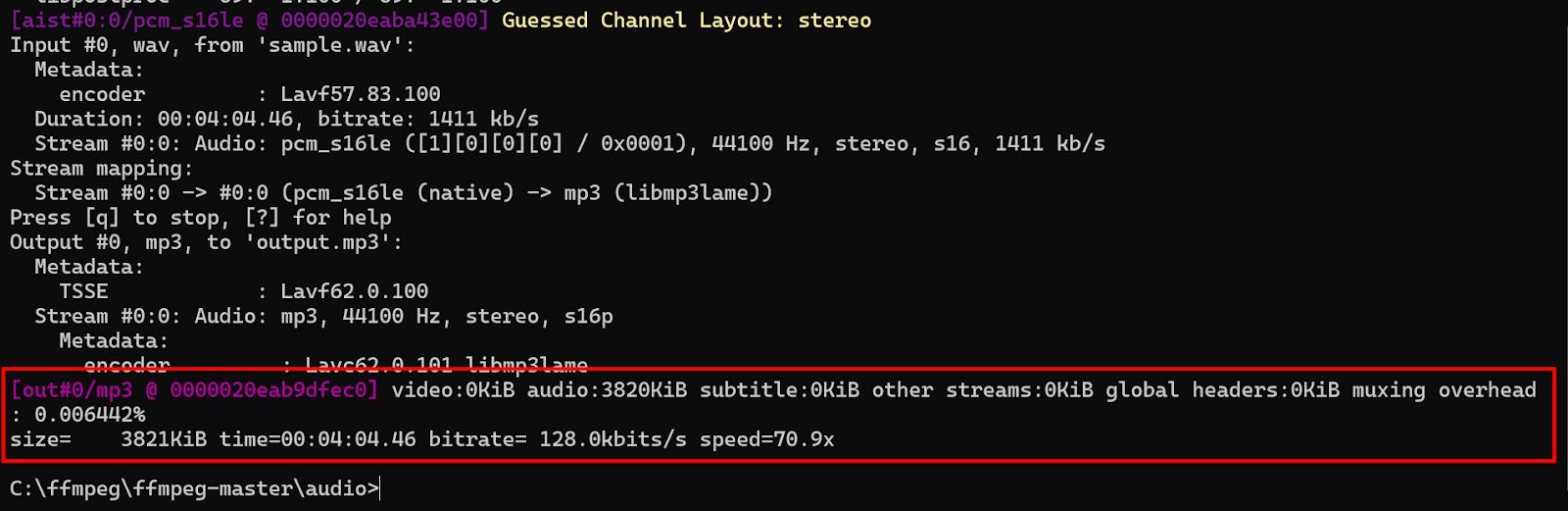
MP3 is one of the most widely used audio formats due to its balance between compression and quality. To convert an audio file to MP3 using FFmpeg:
ffmpeg -i input.wav -c:a libmp3lame output.mp3Explanation:
- -c:a libmp3lame specifies the audio codec (MP3).
- FFmpeg automatically selects the best bitrate, but you can control it using the -b:a option.
Convert MP3 to AAC
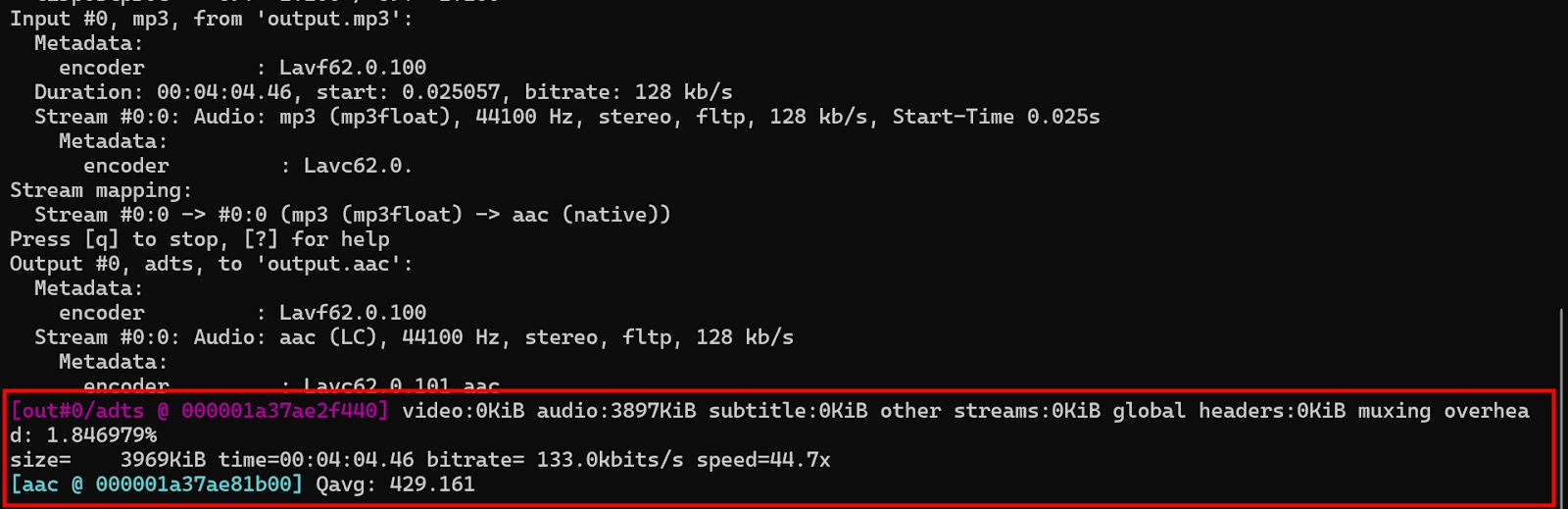
AAC is commonly used for higher-quality audio compression. It is widely supported and used in applications like YouTube, Apple devices, and many other platforms.
ffmpeg -i input.mp3 -c:a aac output.aacExplanation:
- The -c:a option specifies the audio codec used for encoding the output file.
Controlling Bitrate
Bitrate determines the quality of the encoded audio. FFmpeg allows you to specify a target bitrate for the output audio file.
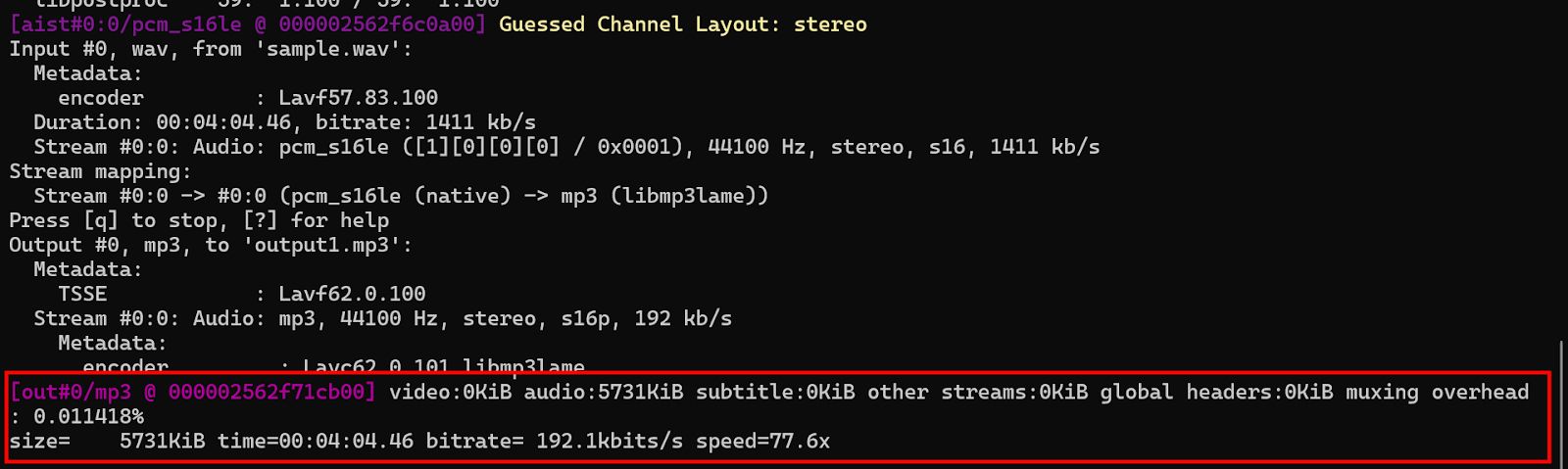
To encode audio at a specific bitrate, such as 192 kbps:
ffmpeg -i input.wav -c:a libmp3lame -b:a 192k output.mp3Explanation:
- -b:a 192k sets the bitrate for the output file.
Audio Filtering in FFmpeg
FFmpeg provides various filters to manipulate audio data, including volume adjustments, equalization, and noise reduction.
Applying a Volume Gain Filter
To adjust the volume of an audio file, use the volume filter. For example, to increase the audio volume by 10 dB:
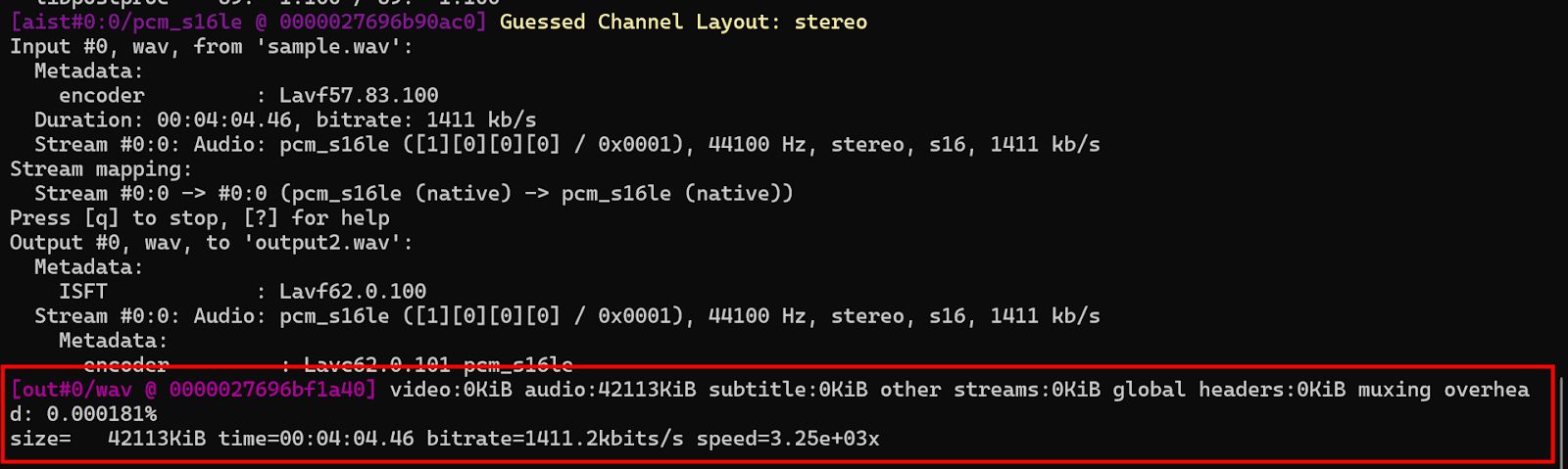
ffmpeg -i input.wav -filter:a "volume=10dB" output.wavExplanation:
- The volume=10dB filter increases the volume by 10 decibels.
- You can also specify percentage-based volume adjustments, e.g., volume=1.5 to increase the volume by 50%.
Lowpass/Highpass Filtering
Lowpass and highpass filters are used to remove frequencies outside a specific range. A lowpass filter removes frequencies above a certain threshold, while a highpass filter removes frequencies below a threshold.
To apply a lowpass filter with a cutoff frequency of 1,000 Hz:
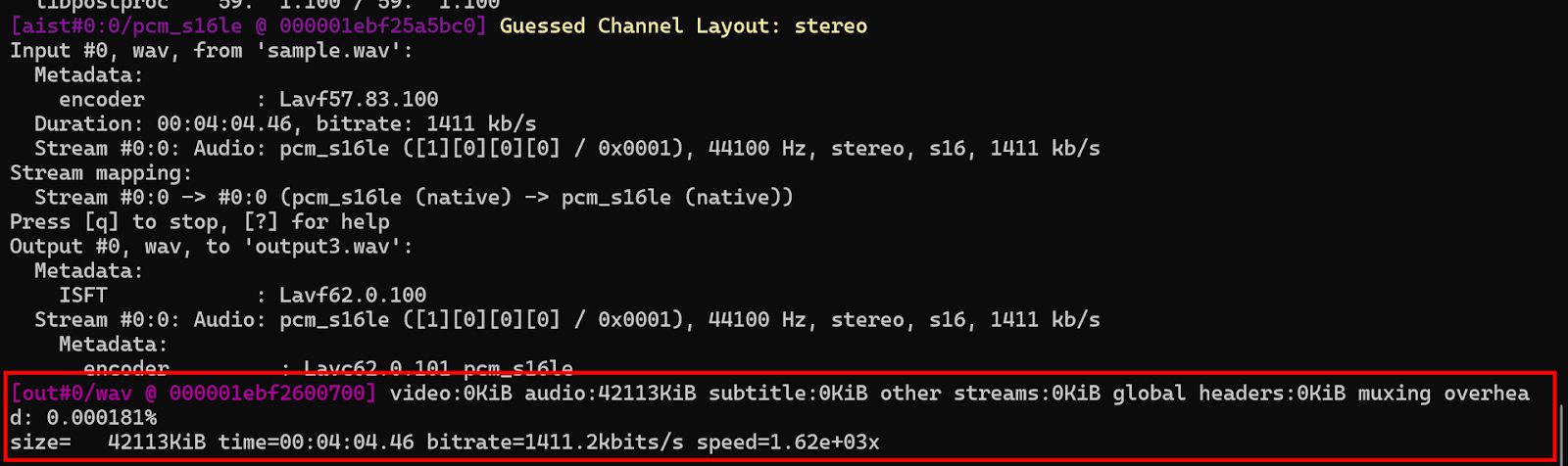
ffmpeg -i input.wav -filter:a "lowpass=f=1000" output.wavExplanation:
- lowpass=f=1000 specifies that frequencies above 1,000 Hz should be filtered out.
Equalizer Filter
FFmpeg"s equalizer filter can adjust specific frequency bands of the audio. For example, to boost the midrange frequencies (e.g., between 500 and 2,000 Hz), use:
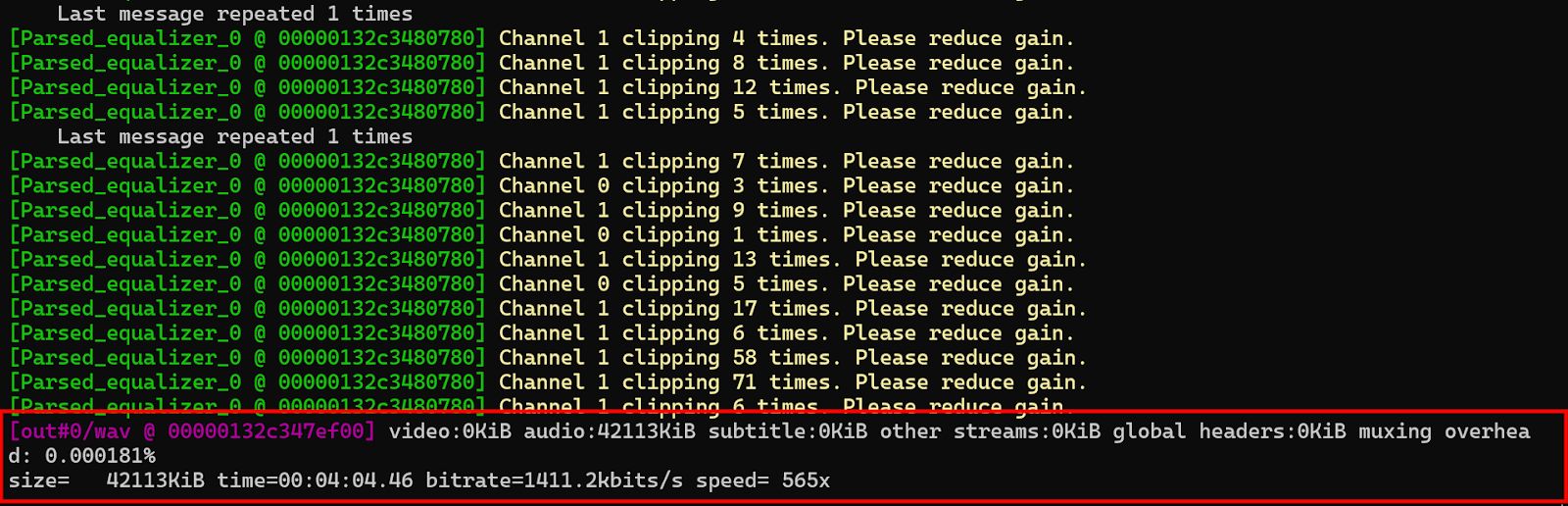
ffmpeg -i input.wav -filter:a "equalizer=f=1000:t=q:w=1:g=10" output.wavExplanation:
- equalizer=f=1000:t=q:w=1:g=10 boosts the 1 kHz band by 10 dB with a quality factor of 1.
Convert Stereo to Mono
To convert a stereo audio file to mono:
ffmpeg -i input.mp3 -ac 1 output.mp3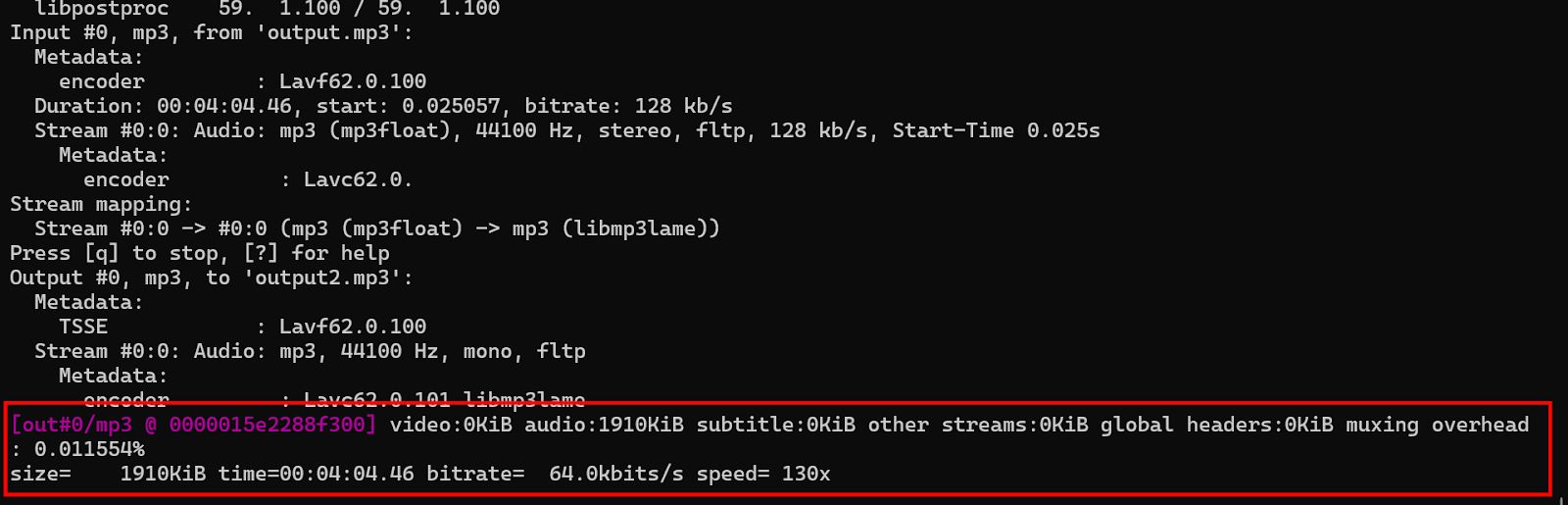
Audio Normalization in FFmpeg
Normalization is the process of adjusting the amplitude of audio files to a standard level, preventing clipping or distortion. FFmpeg provides tools for both peak and loudness normalization.
Peak Normalization
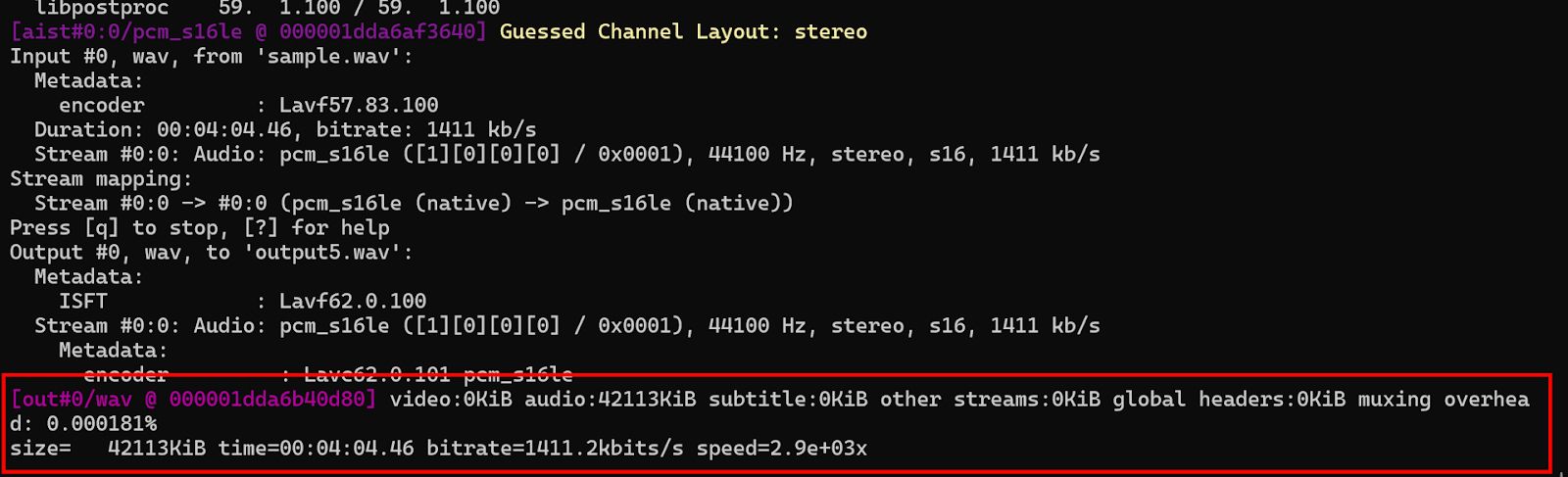
Peak normalization raises volume such that the highest peak reaches 0 dBFS. It"s fast but doesn"t adjust for perceived loudness.
ffmpeg -i input.wav -filter:a "volume=1.0" output.wavExplanation:
- The volume=1.0 option keeps the peak level at its maximum without clipping. FFmpeg automatically calculates the optimal volume gain.
Loudness Normalization (EBU R128 Standard)
FFmpeg supports loudness normalization based on the EBU R128 standard, which ensures a consistent perceived loudness across different tracks or segments. To normalize audio to a target loudness of -23 LUFS:
ffmpeg -i input.wav -filter:a "loudnorm=I=-23:LRA=11:tp=-2" output.wavExplanation:
- I=-23 sets the integrated loudness to -23 LUFS.
- LRA=11 specifies the loudness range.
- tp=-2 limits the true peak to -2 dBTP.