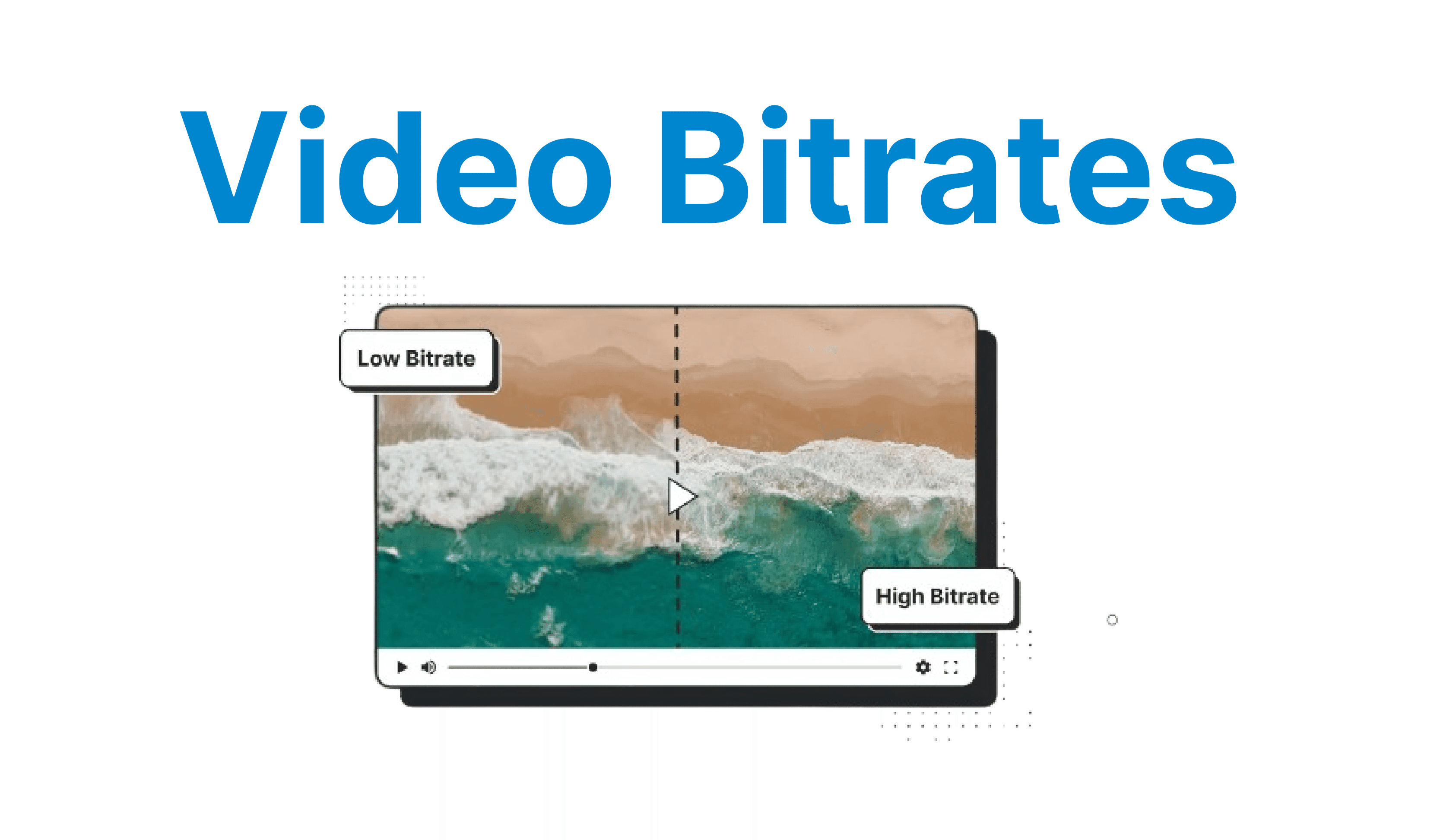
Video bitrate defines the volume of data processed per second during video encoding for measuring in kilobits or megabits per second (Kbps or Mbps). Bitrate directly influences the clarity of motion, sharpness of detail, compression artifacts, and the quality of the playback experience. It plays a critical role in file size, buffer health, streaming latency, and CDN delivery cost. Selecting and controlling bitrate is an engineering decision in video workflows.
What Is Bitrate in Video?
Video bitrate refers to the number of bits transmitted per second to represent a video signal. Higher bitrates allow more data per frame, leading to higher visual fidelity. Lower bitrates conserve bandwidth but may introduce compression artifacts. It's calculated as:
Bitrate (bps) = File Size (bits) / Duration (seconds)For example, a 500MB file (4,000,000,000 bits) over 10 minutes (600 seconds) has an average bitrate of ~6.67 Mbps.
Bitrate Control Modes
✅ Constant Bitrate (CBR): Maintains a fixed bitrate regardless of scene complexity for live streaming where predictability is required.
✅ Constant Rate Factor (CRF): Used in H.264/H.265 encoding, CRF balances visual quality and compression by targeting a constant perceptual quality level rather than a bitrate.
✅ Variable Bitrate (VBR): Adjusts bitrate dynamically based on scene complexity. VBR provides better quality but requires buffering and is not ideal for live low-latency workflows.
Bitrate, Resolution, & Frame Rate Tradeoff
Bitrate interacts with resolution and frame rate. High resolution at low bitrate results in macroblocking and blurriness. Higher frame rates require more bitrate to maintain equivalent quality.
| Resolution | Frame Rate | Recommended Bitrate (H.264) |
| 720p | 30 fps | 2.5–3 Mbps |
| 1080p | 30 fps | 4–6 Mbps |
| 1080p | 60 fps | 6–10 Mbps |
| 4K | 30 fps | 15–25 Mbps |
Bitrate vs Perceptual Quality
Perceptual quality is not linear to bitrate. The law of diminishing returns applies: Doubling bitrate doesn't double perceived quality. Metrics like VMAF, SSIM, and PSNR are used to evaluate how compression affects perceived quality.
✅ VMAF (Video Multi-Method Assessment Fusion): A Netflix-developed metric tuned for human perception.
✅ SSIM (Structural Similarity): Measures image structure preservation.
✅ PSNR (Peak Signal-to-Noise Ratio): Traditional metric; limited correlation with perceptual quality.
Effects of Bitrate on Playback & Delivery
✅ Startup Time: Higher bitrate increases initial buffering delay.
✅ Buffer Underrun: Bitrate spikes can exhaust the buffer on weak networks.
✅ Stall Events: Long GOPs or unpredictable spikes cause freezing.
✅ CDN Impact: Higher average bitrates require more egress and caching optimization.

Use Case-Based Bitrate Strategies
High-Fidelity VOD
For high-fidelity VOD, it’s recommended to use 2-pass encoding or constrained VBR. In Pass 1, FFmpeg analyzes the video to gather data on its complexity, such as scene transitions and motion.
This pass does not produce a final output file. In Pass 2, FFmpeg uses the data from Pass 1 to allocate the appropriate bitrate to different parts of the video, ensuring optimal quality and efficient compression. For 1080p24 videos, aim for 8-12 Mbps, and for 4K HDR content, use 25-50 Mbps.
ffmpeg -i input.mov -c:v libx264 -preset slow -b:v 20M -maxrate 30M -bufsize 40M -pass 1 output.mp4

ffmpeg -i input.mov -c:v libx264 -preset slow -b:v 20M -maxrate 30M -bufsize 40M -pass 2 output.mp4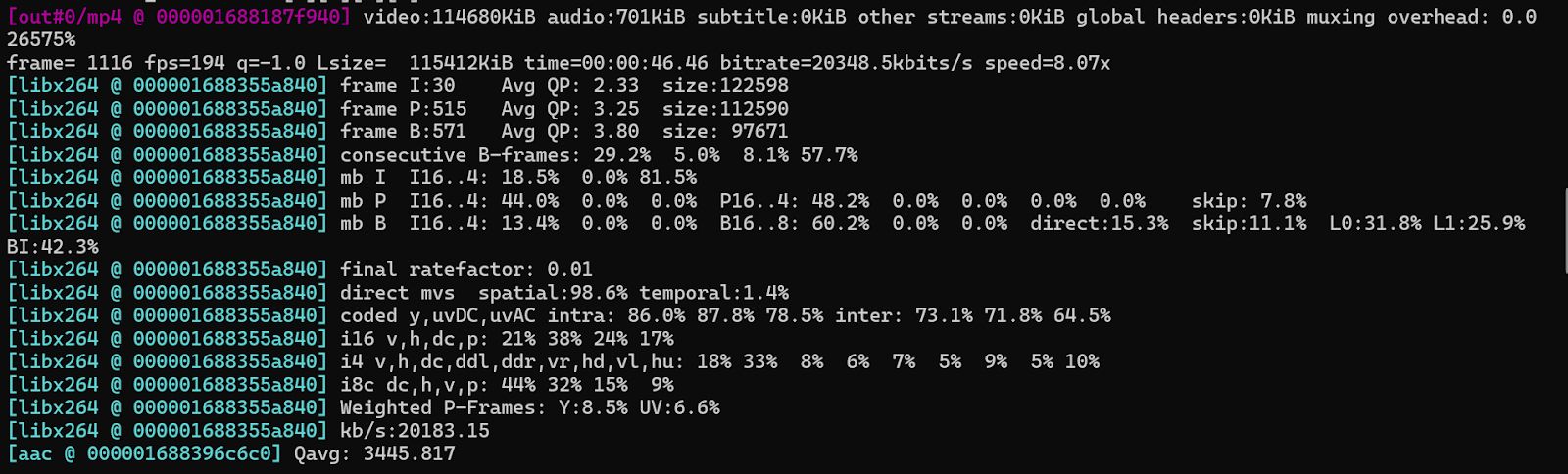
ffmpeg -i input.mov -c:v libx264 -preset slow -b:v 20M -maxrate 30M -bufsize 40M -pass 2 output.mp4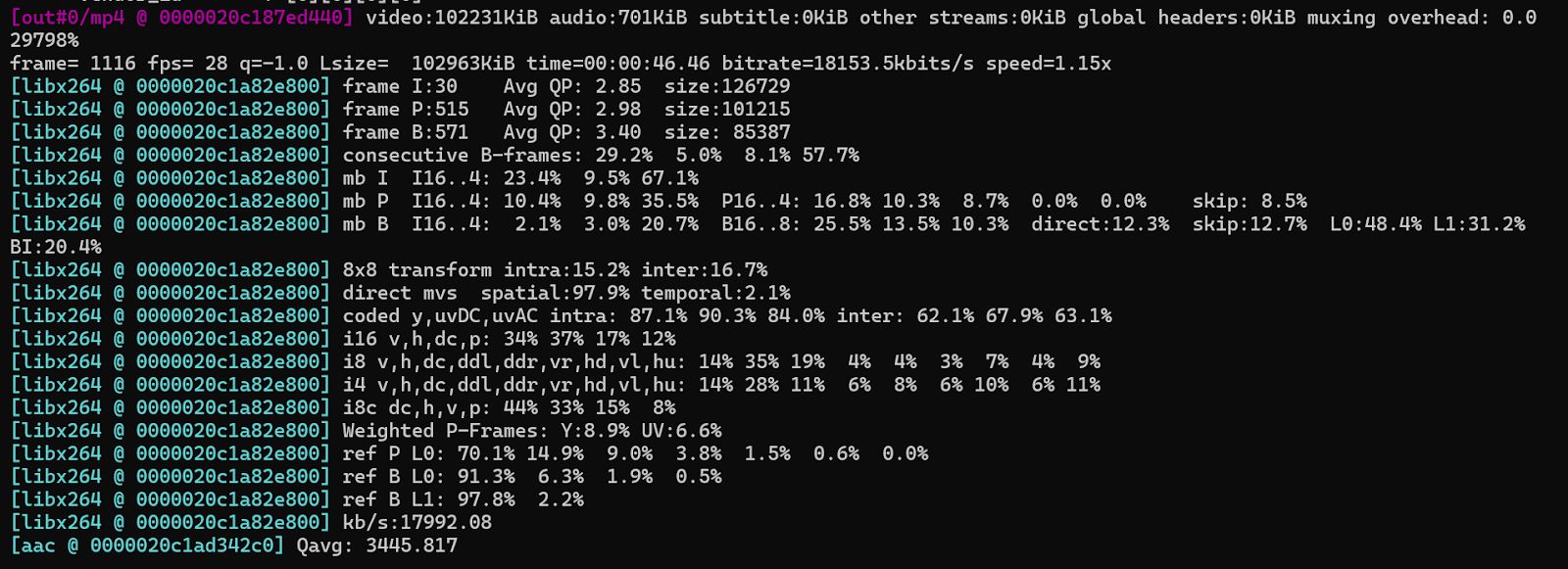
Low-Latency Live Streaming
Use CBR with real-time encoding. Minimize bufsize and use hardware encoders (NVENC, QSV). Keyframe every 2 seconds.
ffmpeg -f dshow -i video="cam" -c:v libx264 -preset veryfast -b:v 6000k -bufsize 6000k -tune zerolatency -f flv rtmp://server/live/streamBandwidth-Constrained Environments
Use ABR ladders with multiple renditions and capped CRF. Include ultra-low renditions.
ffmpeg -i input.mp4 \
-map 0 -map 0 -c:v libx264 -b:v:0 800k -s:v:0 640x360 \
-b:v:1 400k -s:v:1 426x240 \
-var_stream_map "v:0,a:0 v:1,a:1" \
-master_pl_name master.m3u8 -f hls -hls_time 4 stream_%v.m3u8
Codec Impact on Bitrate Efficiency
| Codec | Efficiency | Notes |
| H.264 | Baseline | Universal support |
| H.265 | ~50% savings over H.264 | Requires licensing, less decoder support |
| VP9 | Similar to HEVC | Web-safe, no licensing cost |
| AV1 | 30% smaller than HEVC | CPU intensive, growing support |
Adaptive Bitrate Streaming (ABR)
ABR allows dynamic switching between renditions based on network and device constraints.
✅ HLS/DASH playlists include multiple bitrate variants
✅ Clients adapt playback using buffer occupancy + throughput estimation
#EXT-X-STREAM-INF:BANDWIDTH=1500000,RESOLUTION=1280x720
stream_720.m3u8